
Tidy Cam
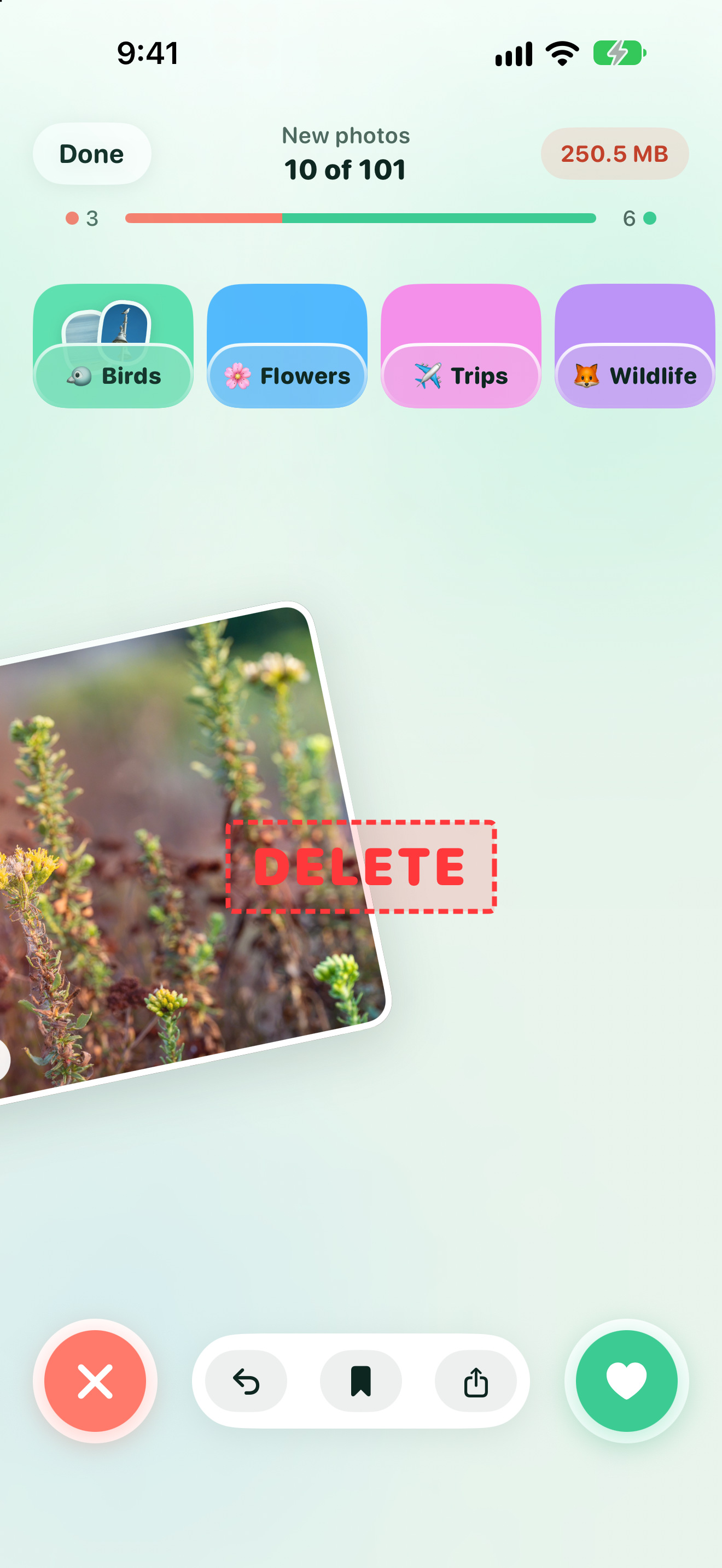
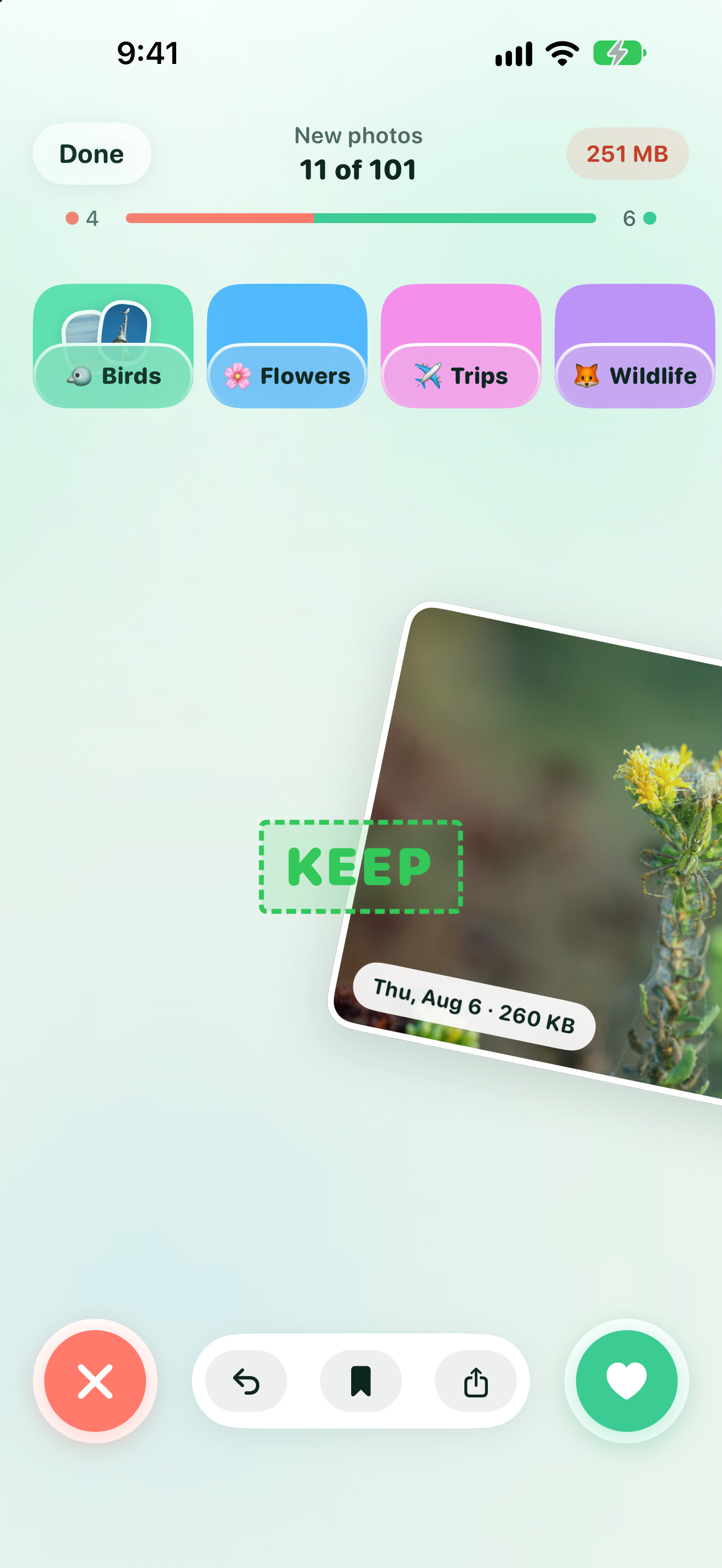
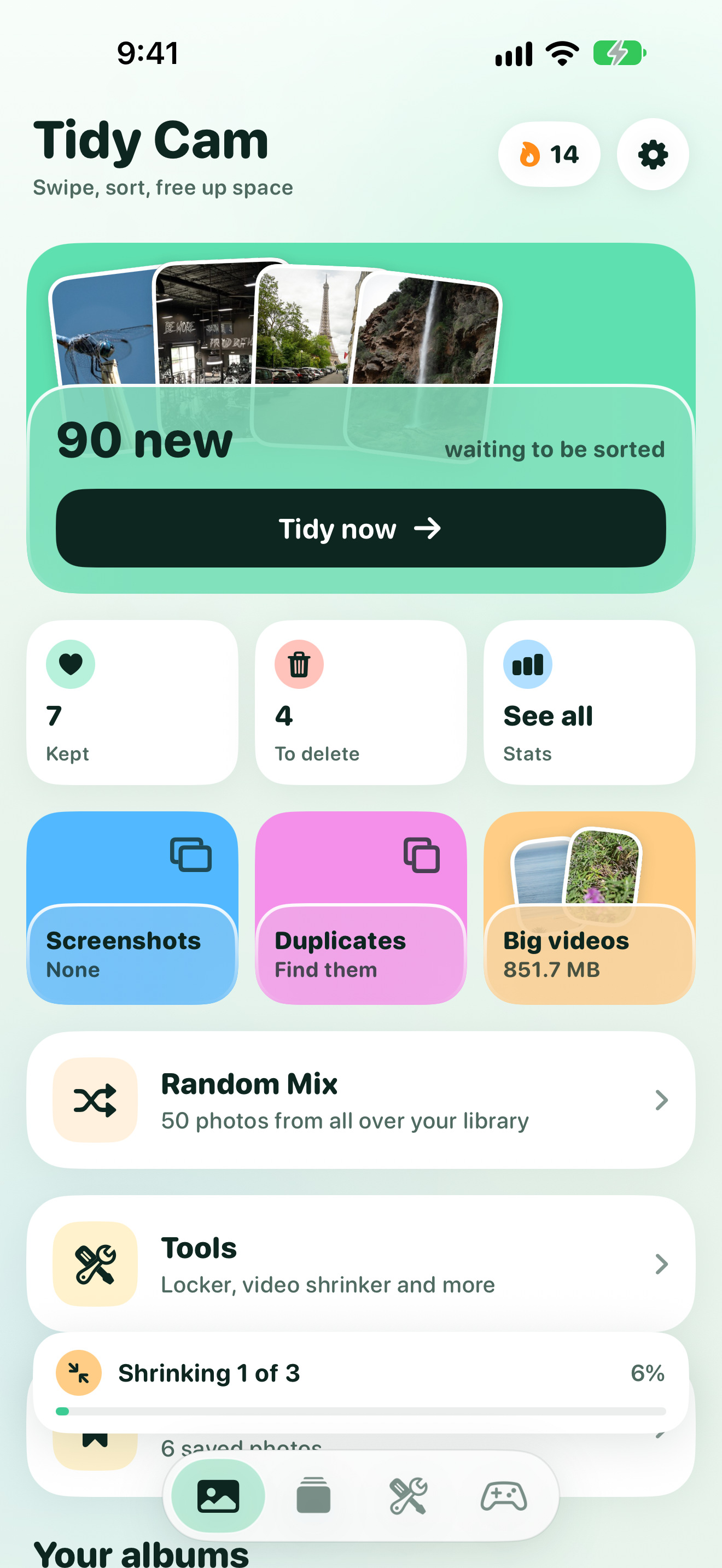
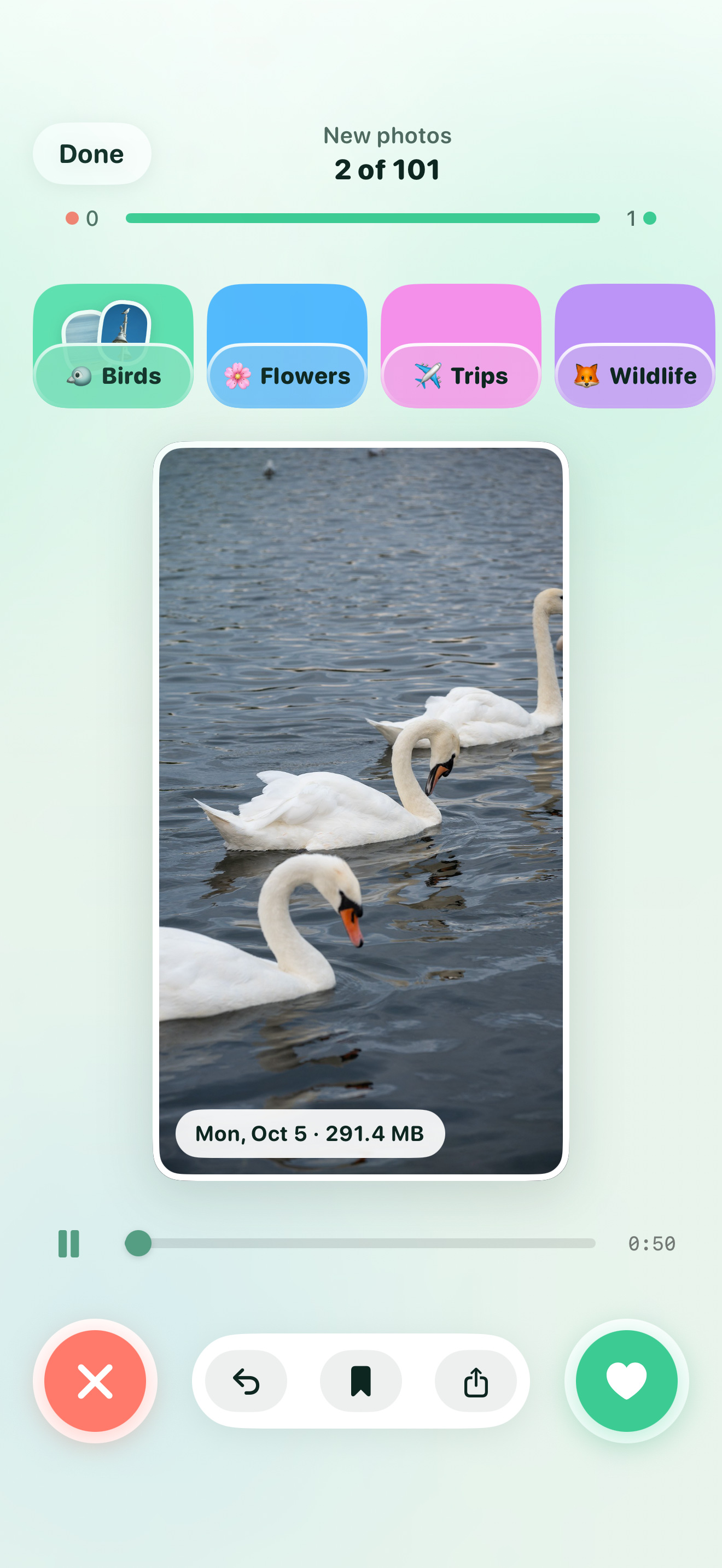
Tidy Cam cleans your iPhone camera roll one swipe at a time: right to keep, left to delete. It files photos into albums as you go, keeps the best of every burst and shrinks big videos.
The zip has the app icon (default, dark, tinted), wordmark, lockups, share banner, 12 app screenshots, the 8 App Store frames and the fact sheet.
01Fact sheet
| App | Tidy Cam (on the App Store as "Tidy Cam - Swipe Delete Photos") |
|---|---|
| Developer | Foggo Apps, the independent studio of Charles Chiejina |
| Platform | iPhone, with Home Screen widgets |
| Version | 1.110, October 2026 |
| Availability | On the App Store worldwide |
| Price | Free to download, with 50 swipes and one video shrink a day. Tidy Cam+ (monthly, yearly or a one-time lifetime purchase) gives unlimited swipes, the duplicate finder, shrinking several videos at once and no ads. |
| Privacy | Photos never leave the device. Sorting, duplicate matching, search and video shrinking run on the iPhone. |
| Contact | support@foggoapps.com |
02Descriptions
The long description (the App Store text) is in the fact sheet.
03What's new in 1.110
| New look | A bright, light design across the app and a new icon: a mint pocket with photos sticking out. |
|---|---|
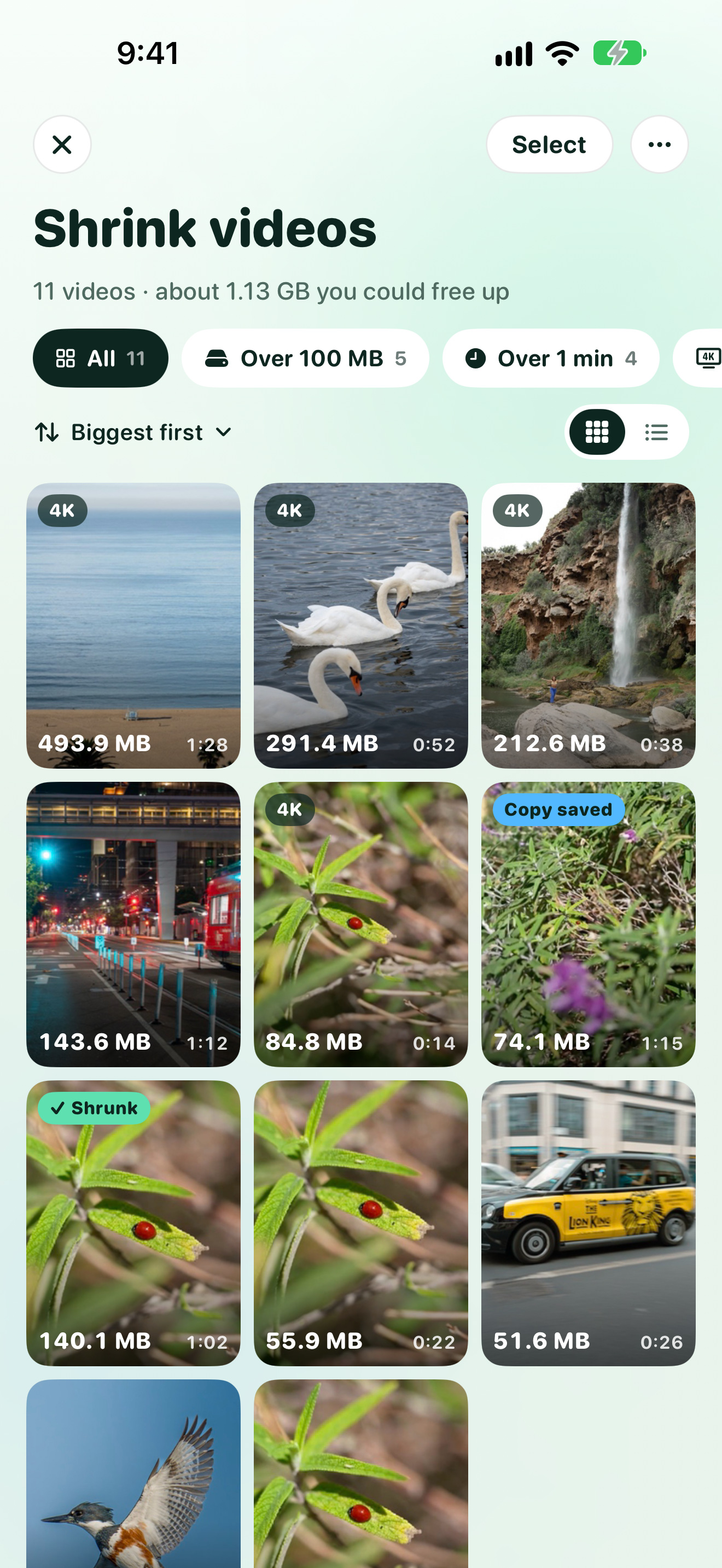
| Shrink videos | Runs in the background and keeps going after you leave the app. Tidy Cam+ lines up several videos at once. Shrunk videos keep the original's date, location, camera details and albums. |
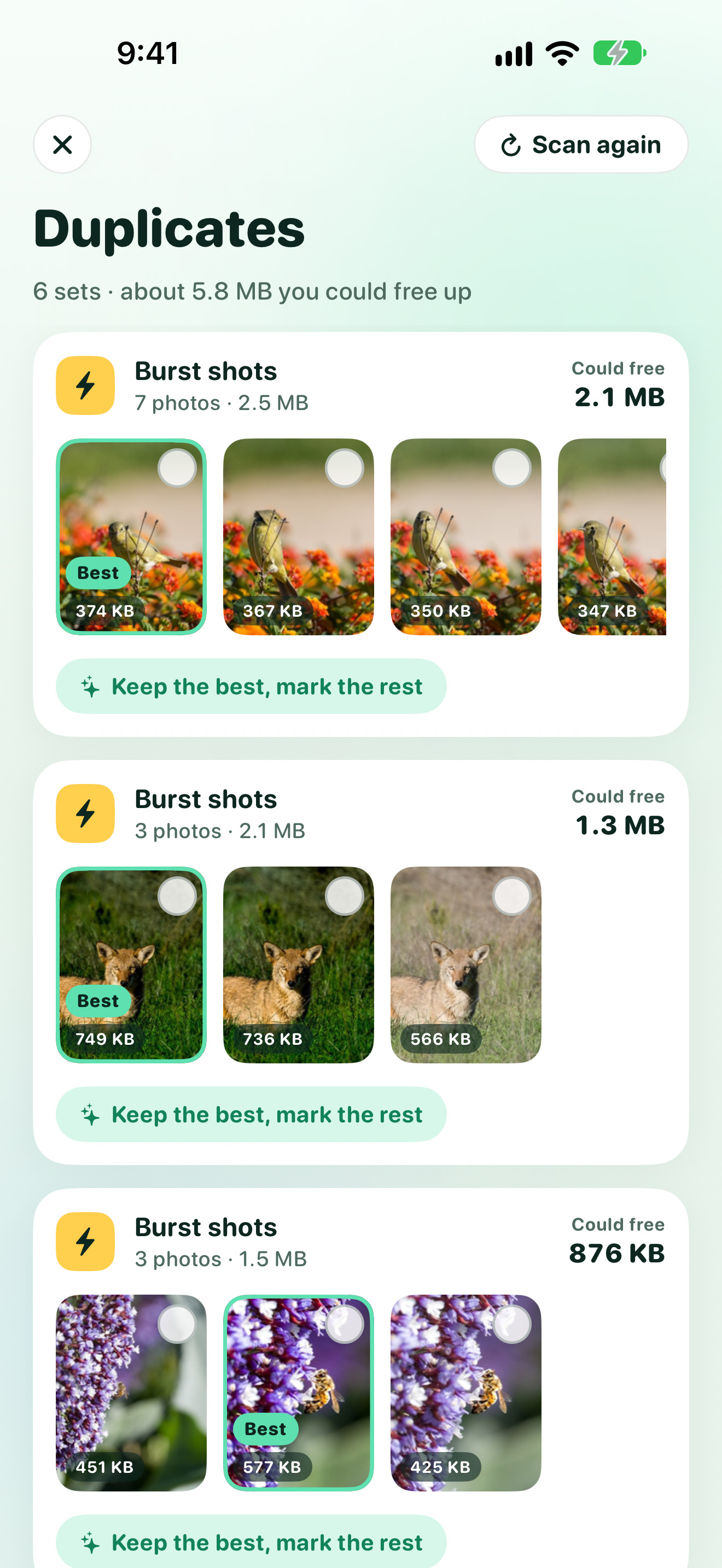
| Duplicates | Each set as a photo strip with the best shot marked, and one "Keep the best, mark the rest" tap. |
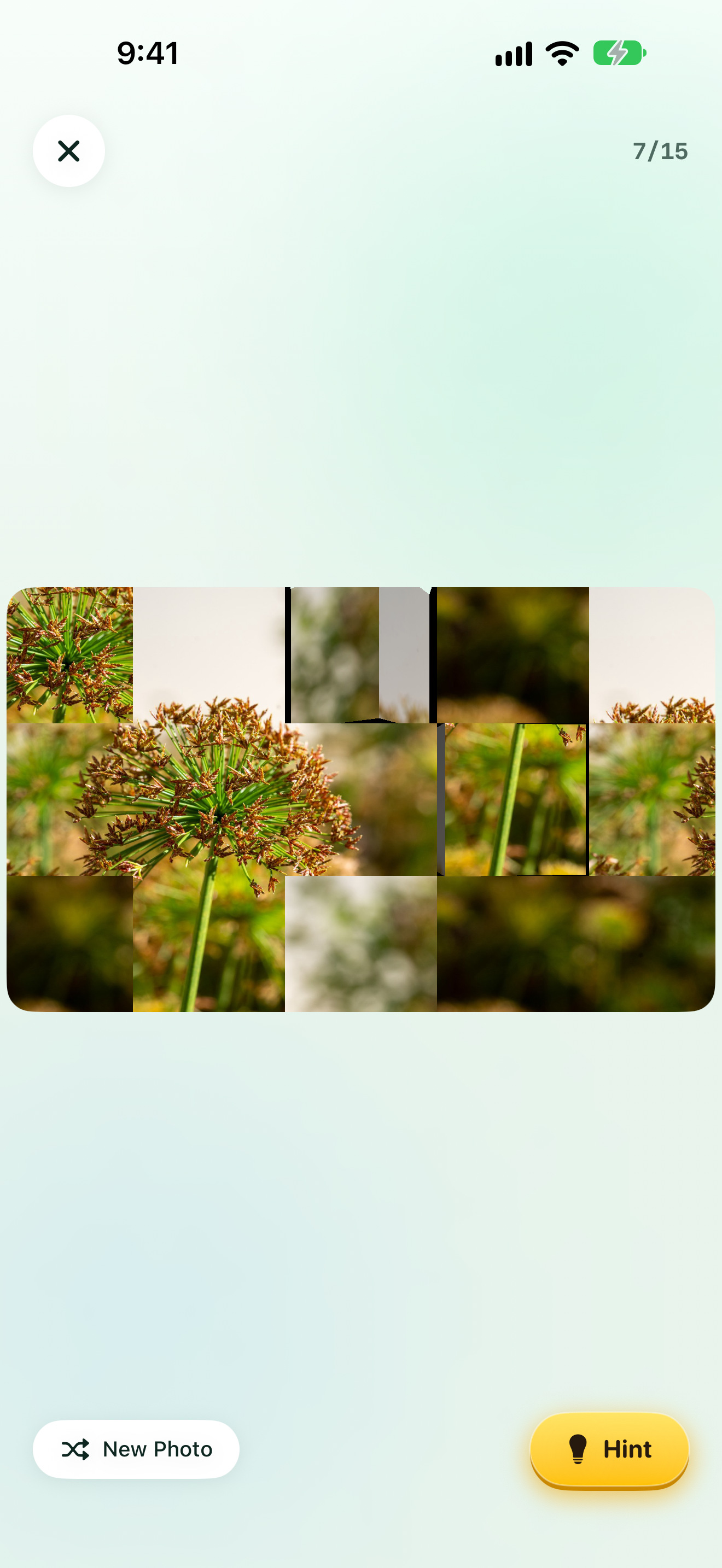
| Widget | Puzzle of the day: one of your older photos cut into scrambled tiles, new every day. |
| First run | A live scan that shows what it finds in your library straight away. |
04Brand




Wordmarks on light and dark (transparent PNG) are in the zip. Please don't recolour, stretch, rotate or add effects to the icon. Always write the name as two words: Tidy Cam.
05Colour & type
#E8F4EC#0E2620#3CCB93 keep, buttons#FF7A6B delete#FFCF4D highlights#5FE0B0 #52B8FF #F590EA#BC93F7 #FFCD85 #93AAFA#FFFFFFThe app and wordmark use SF Pro Rounded. Album "pockets" take the six pastel colours.
06Screenshots
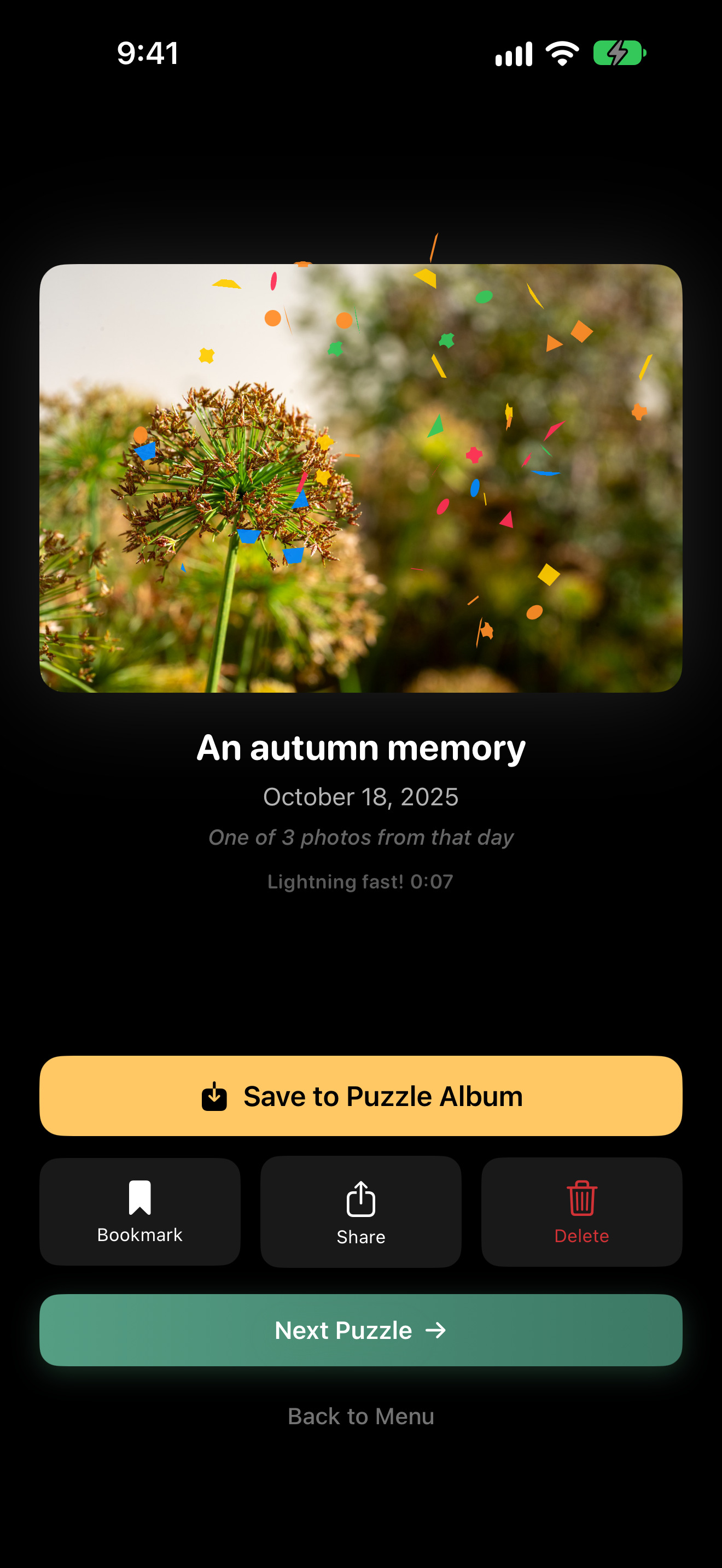
In the app
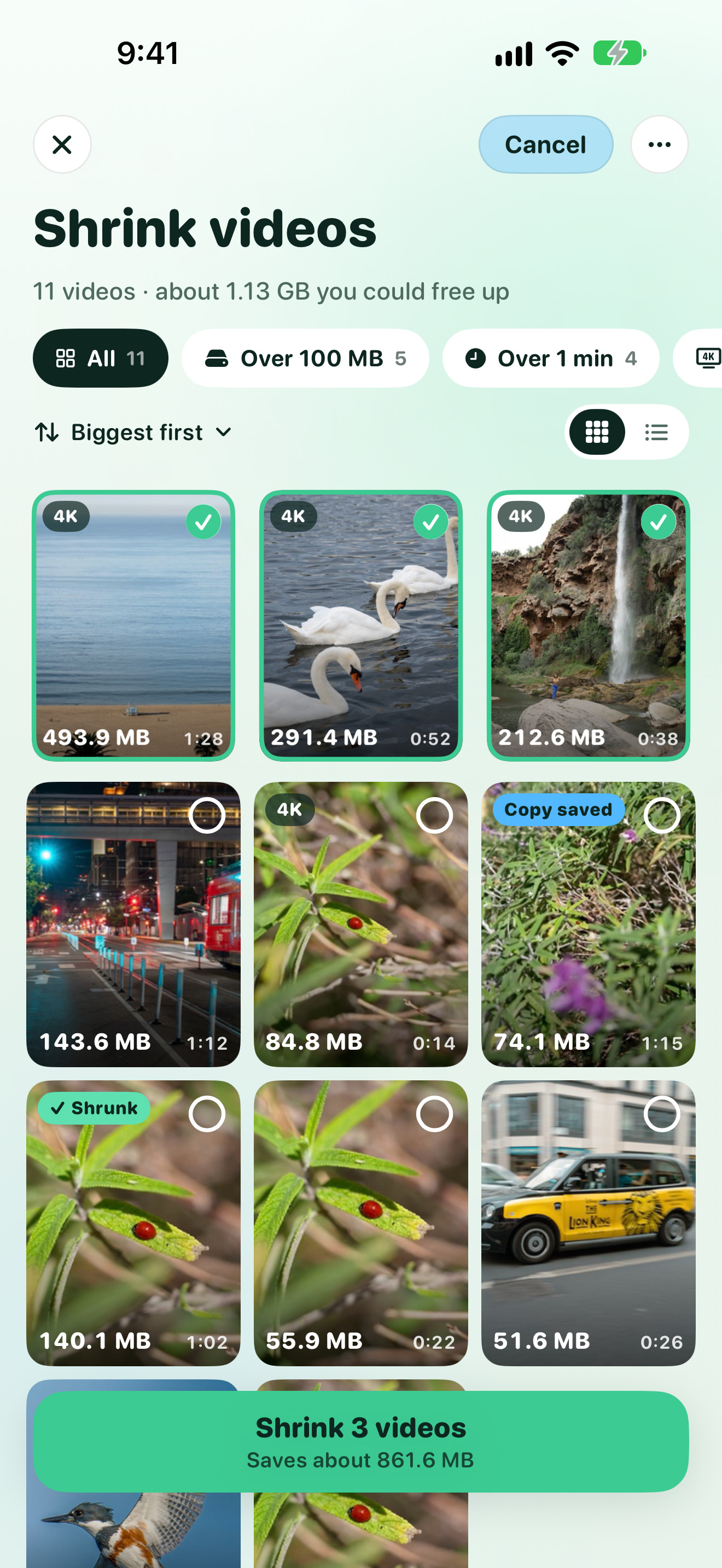
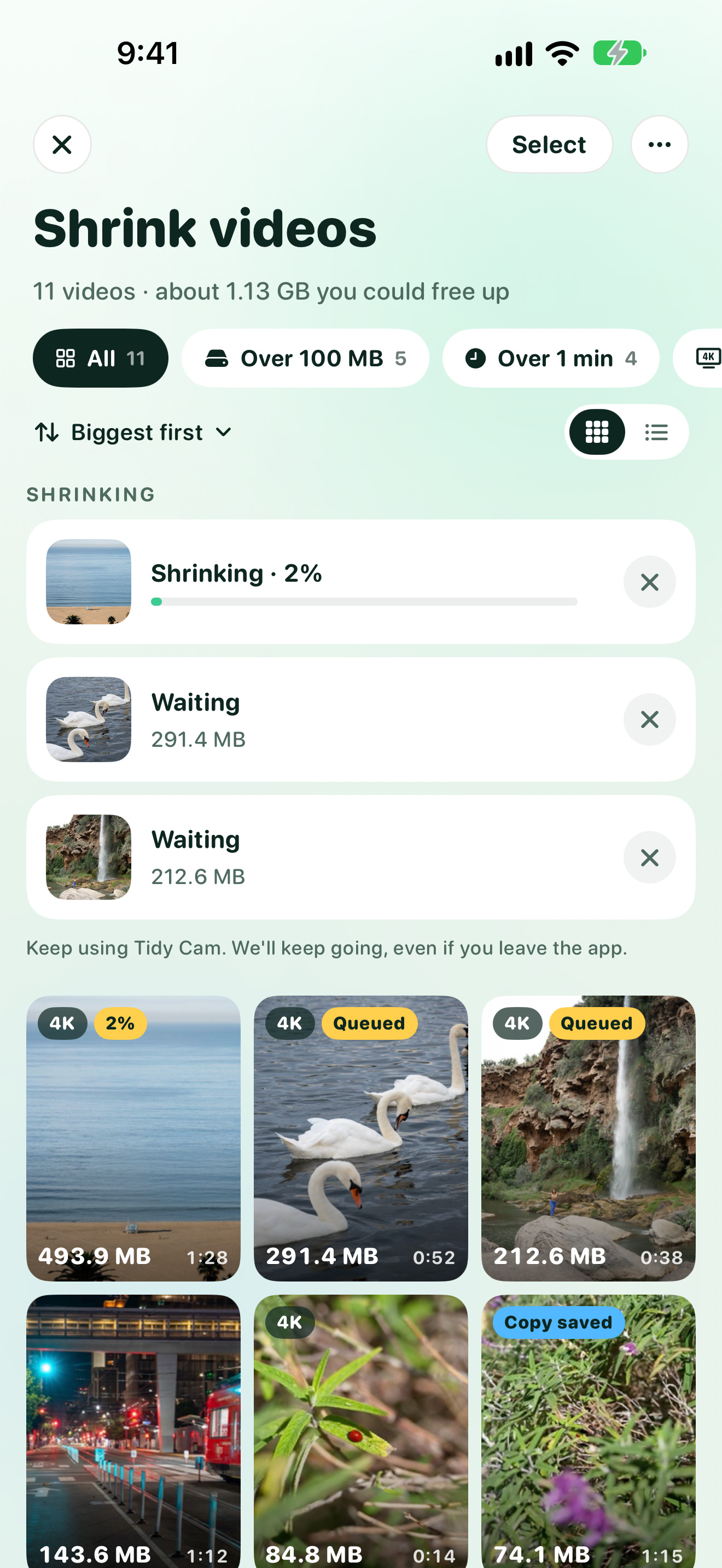
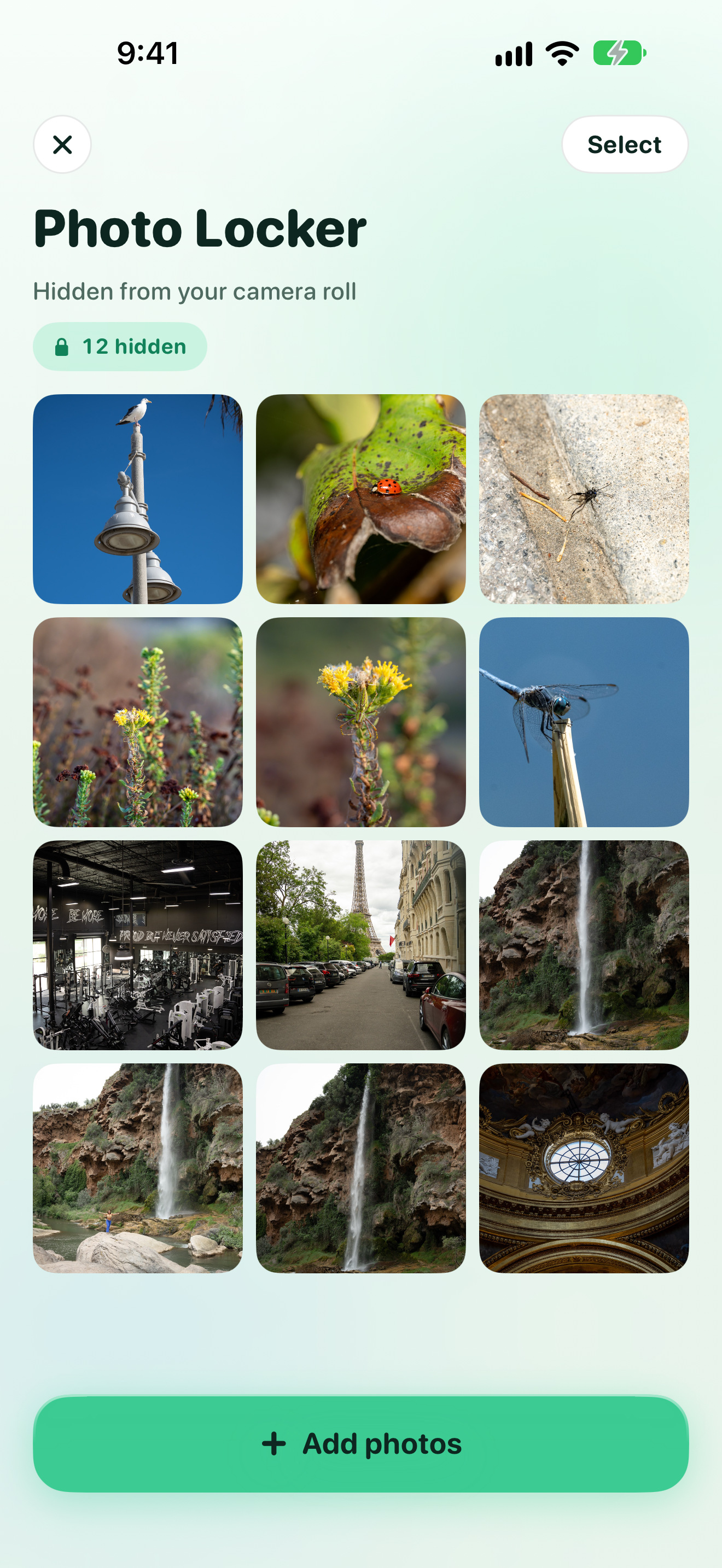
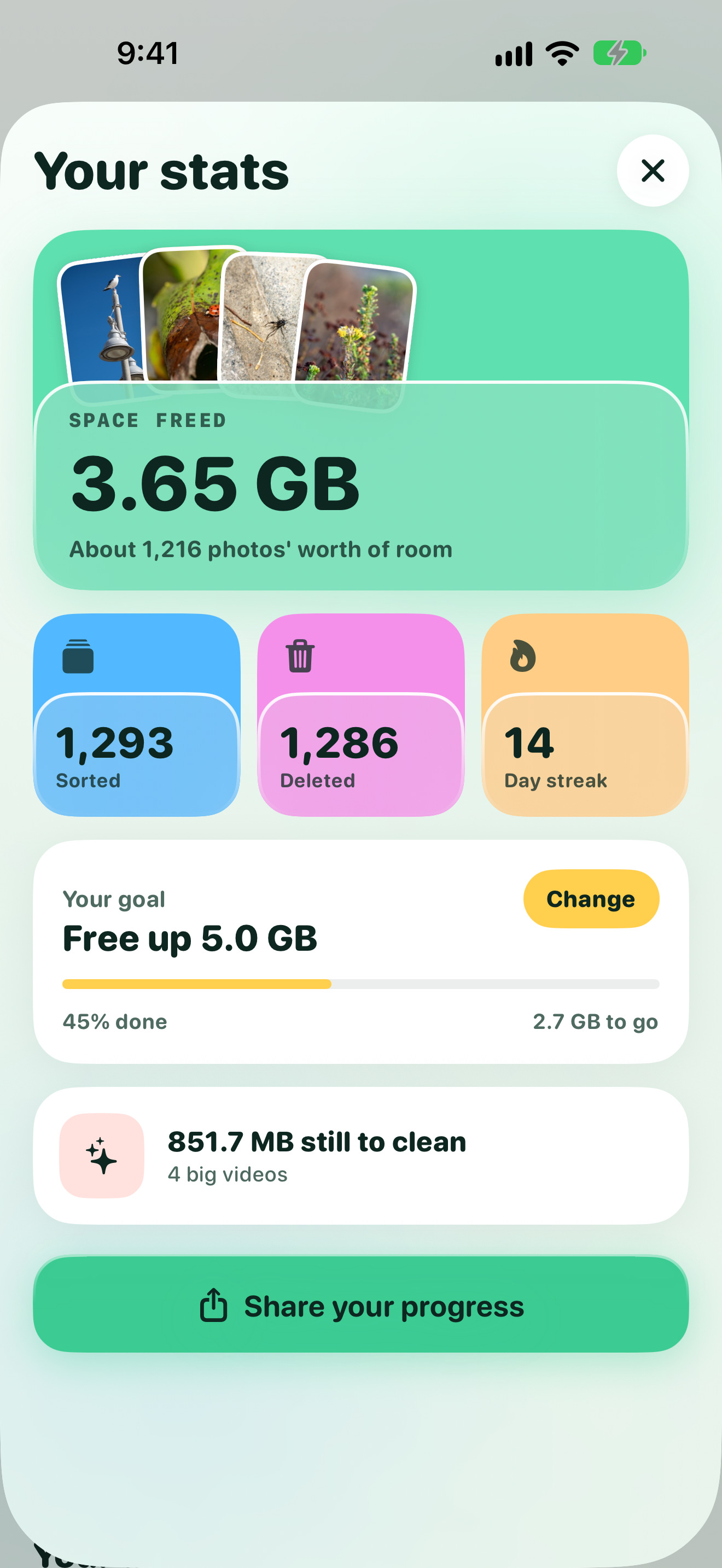
App Store frames
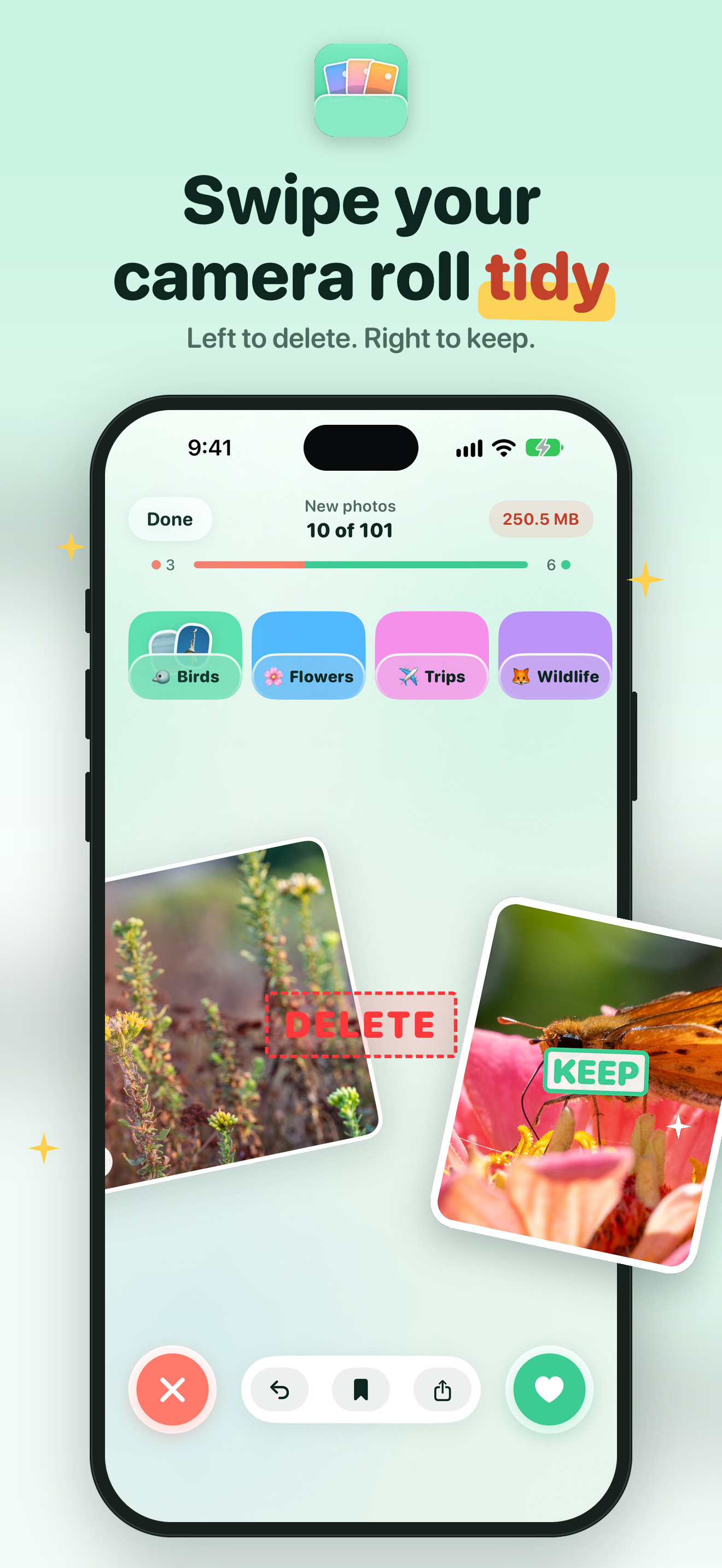
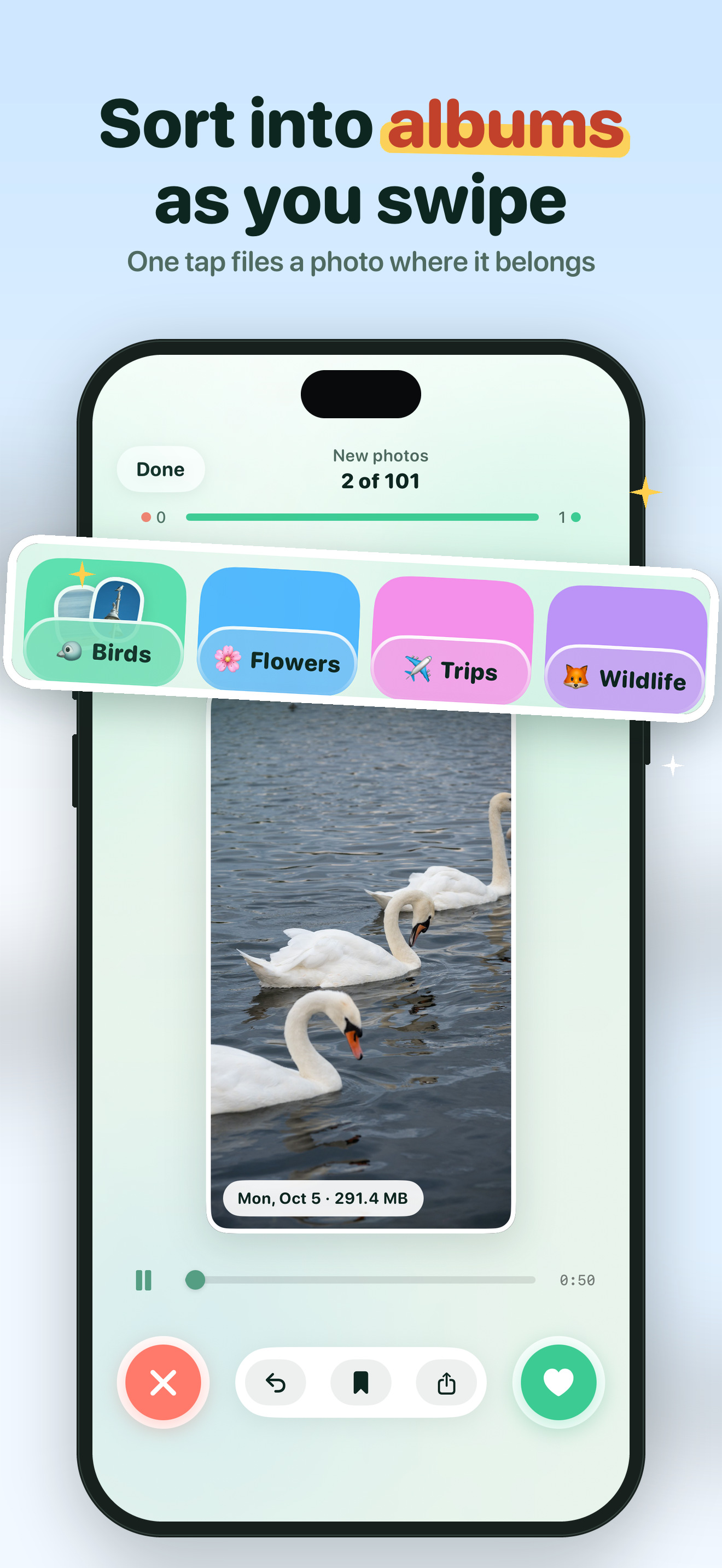
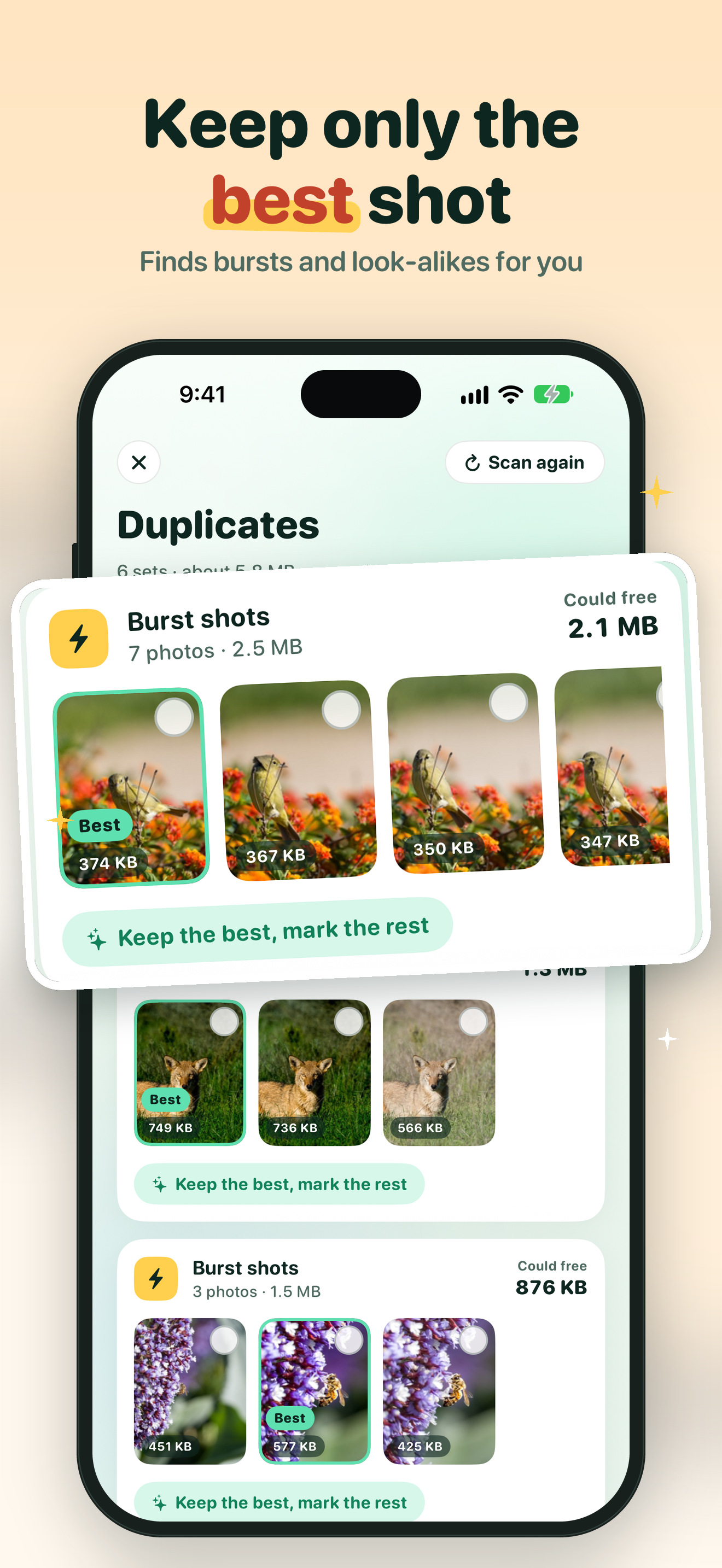
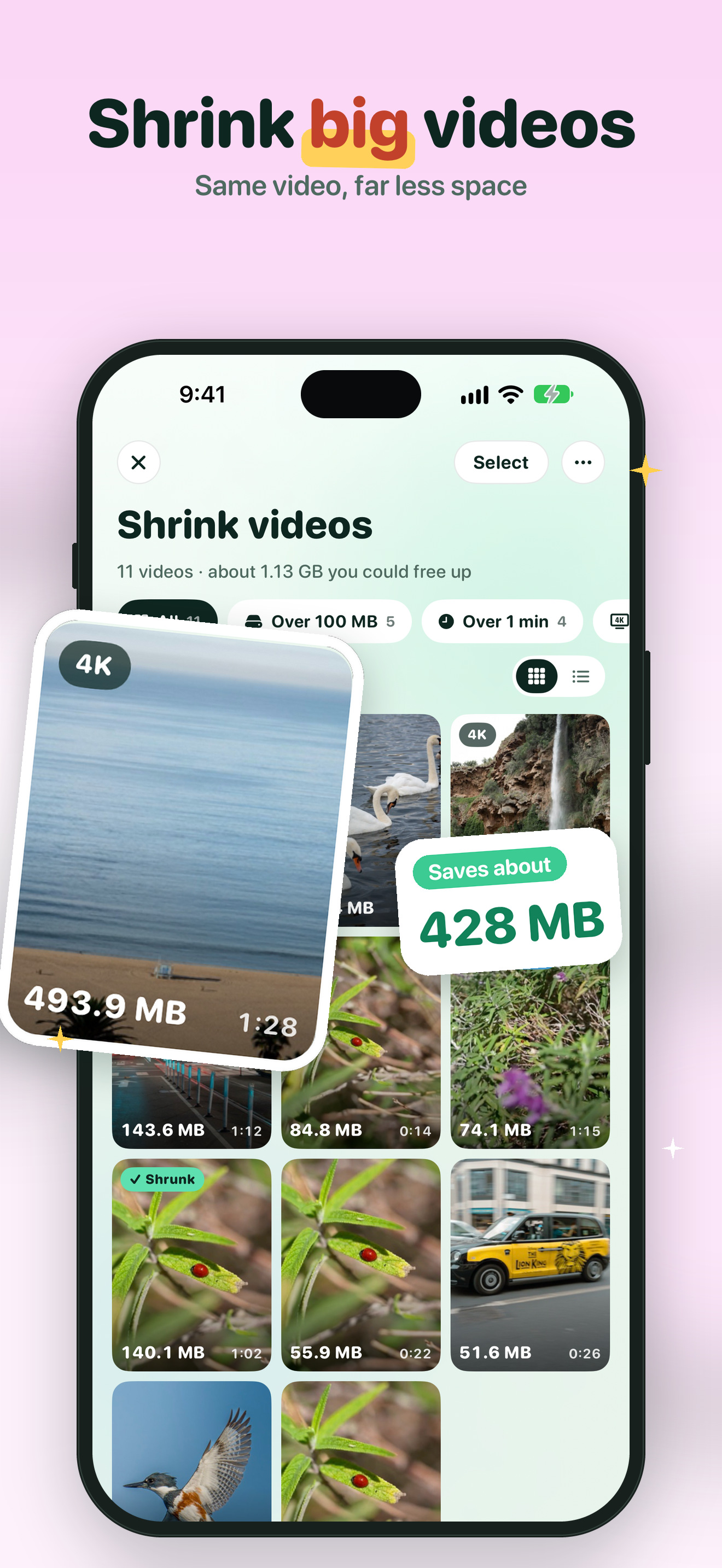
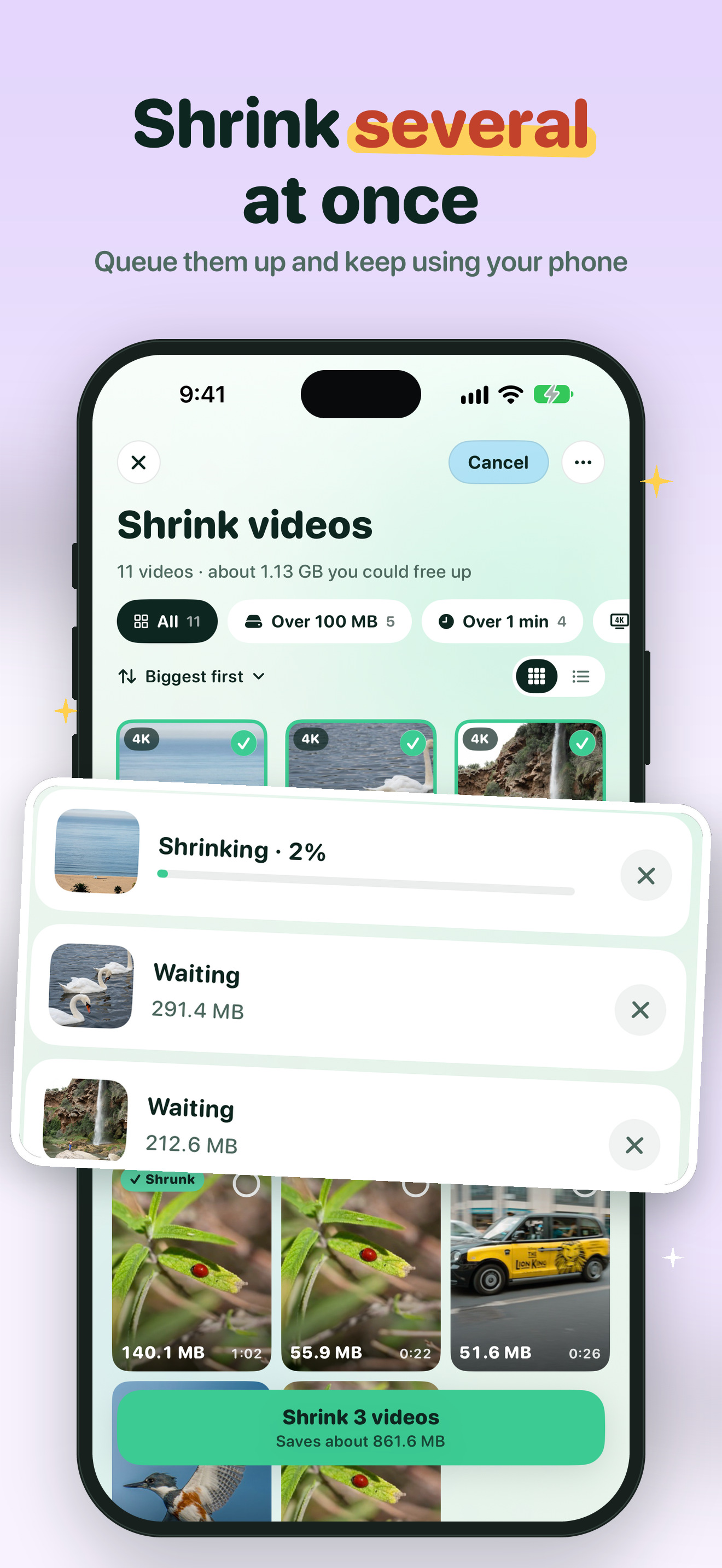
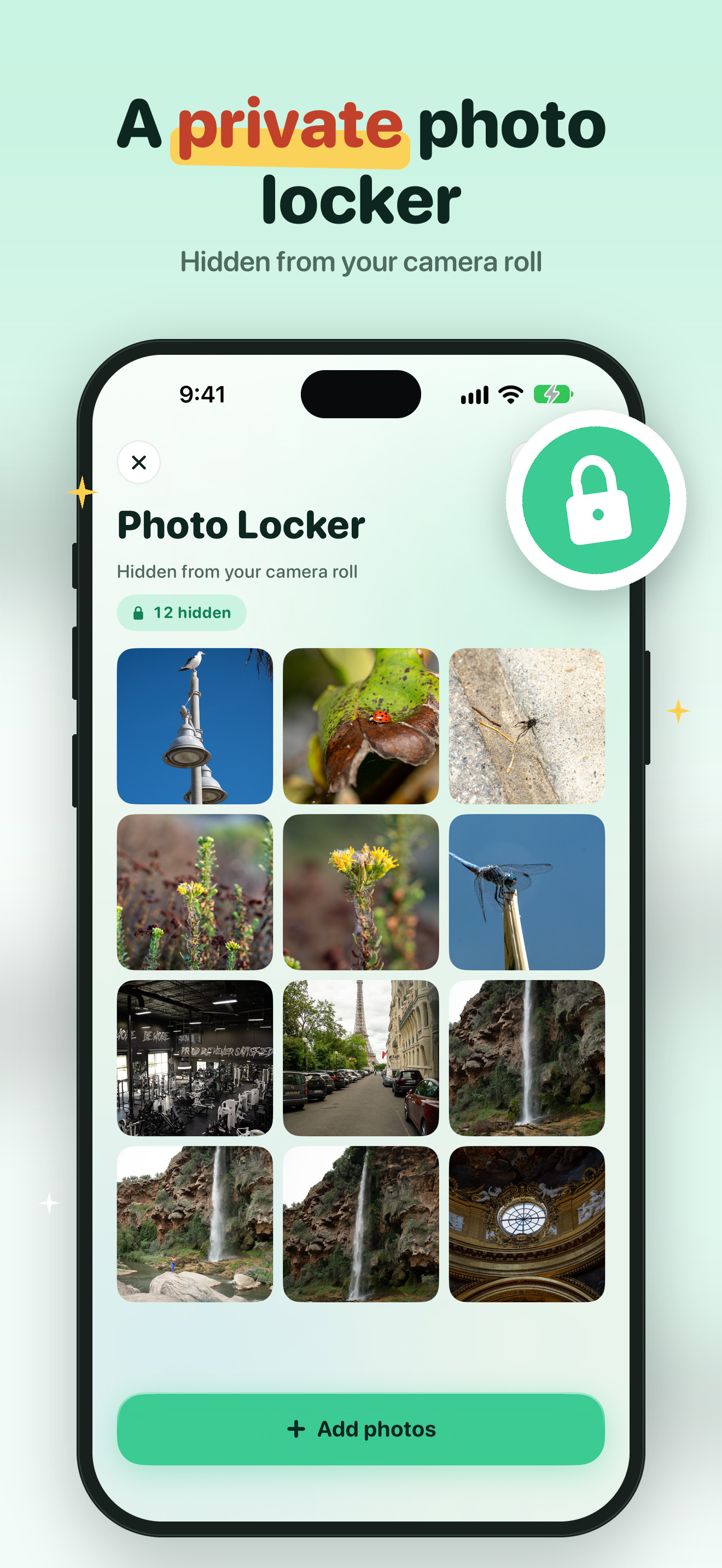
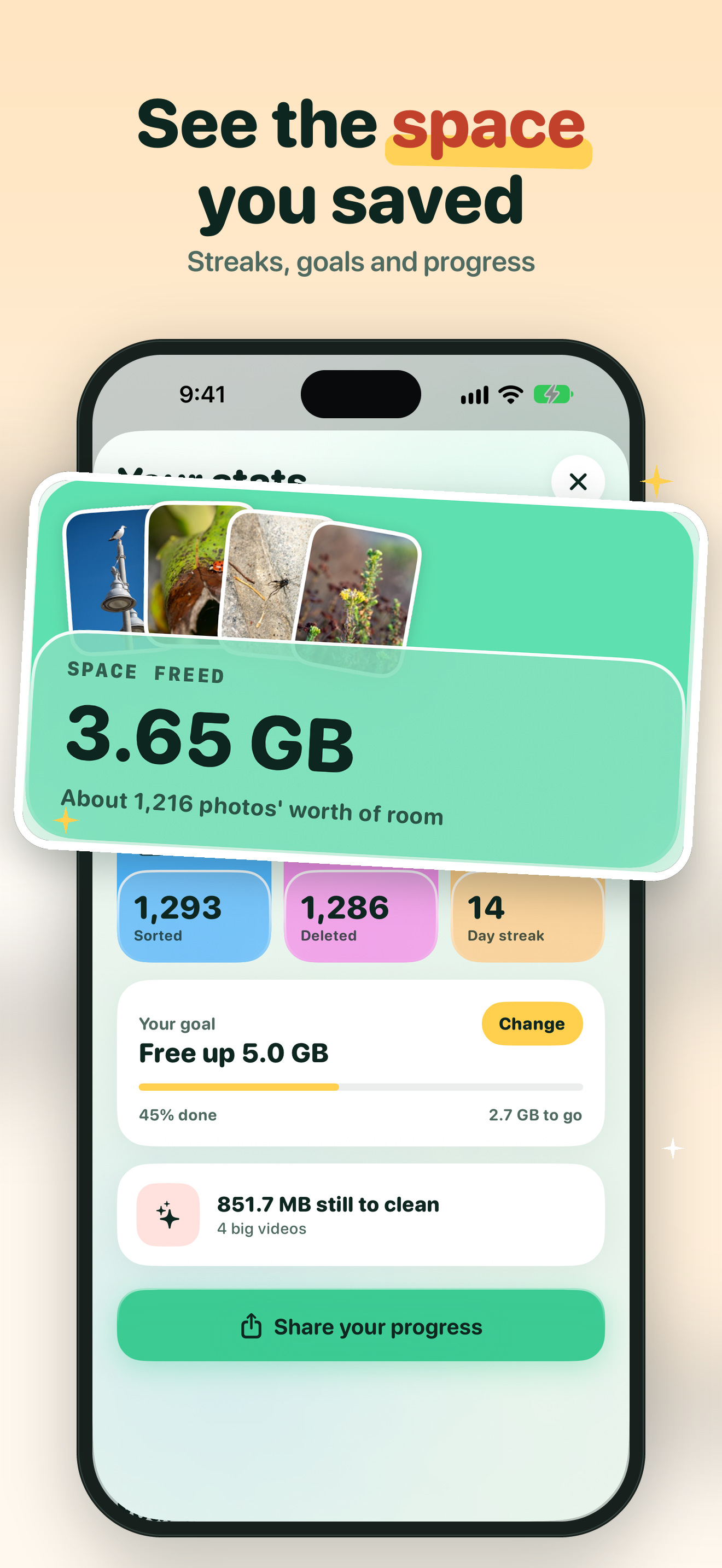
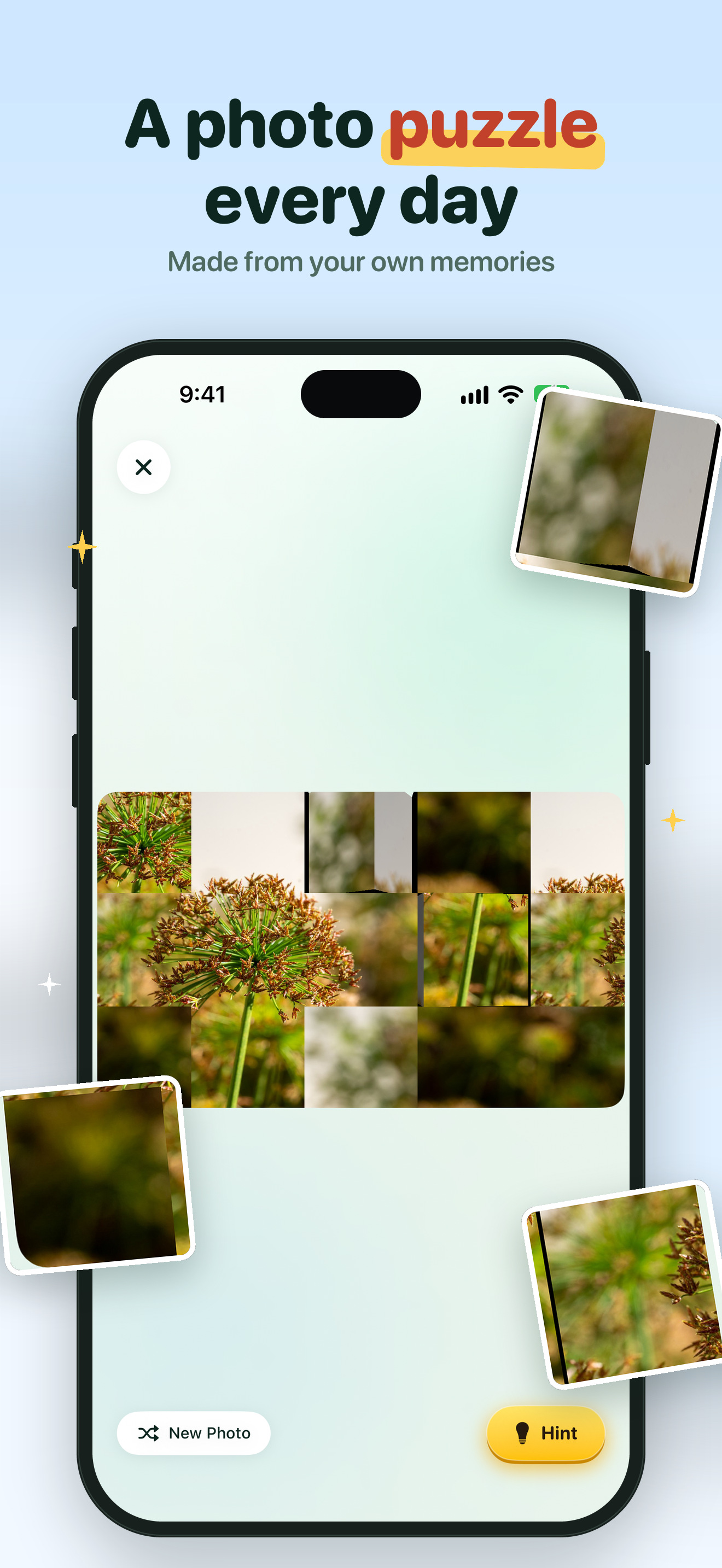
Full-resolution 6.9" iPhone captures (1320 × 2868). The photos in them come from the app's demo library.
07Contact
Charles Chiejina, Foggo Apps · support@foggoapps.com