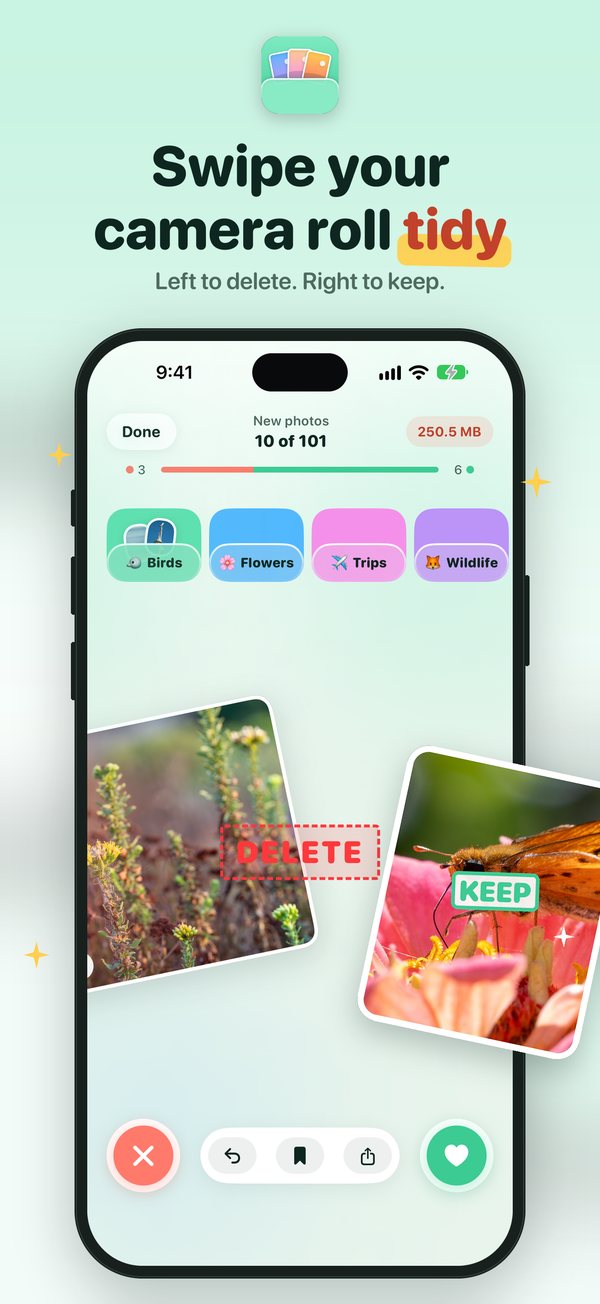
Swipe your camera roll tidy.
Tidy Cam is an iPhone app that frees up storage by clearing out the photos and videos you don't need. Right to keep, left to delete. It shows your photos one at a time, files the good ones into albums as you go, keeps the best of every burst and shrinks the videos eating your storage.
Free on the App Store, with 50 swipes a day. Tidy Cam+ takes the limits off. Your photos never leave your phone.
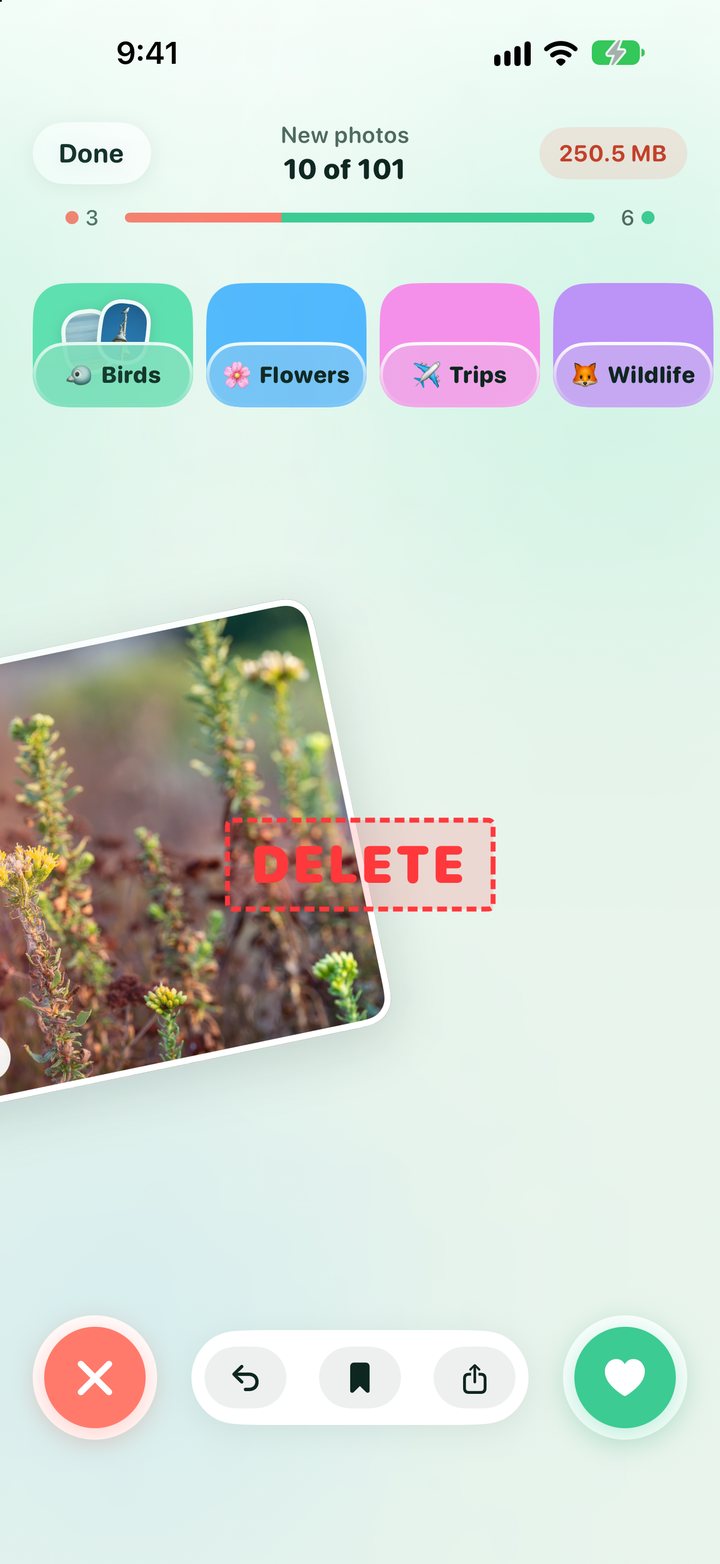
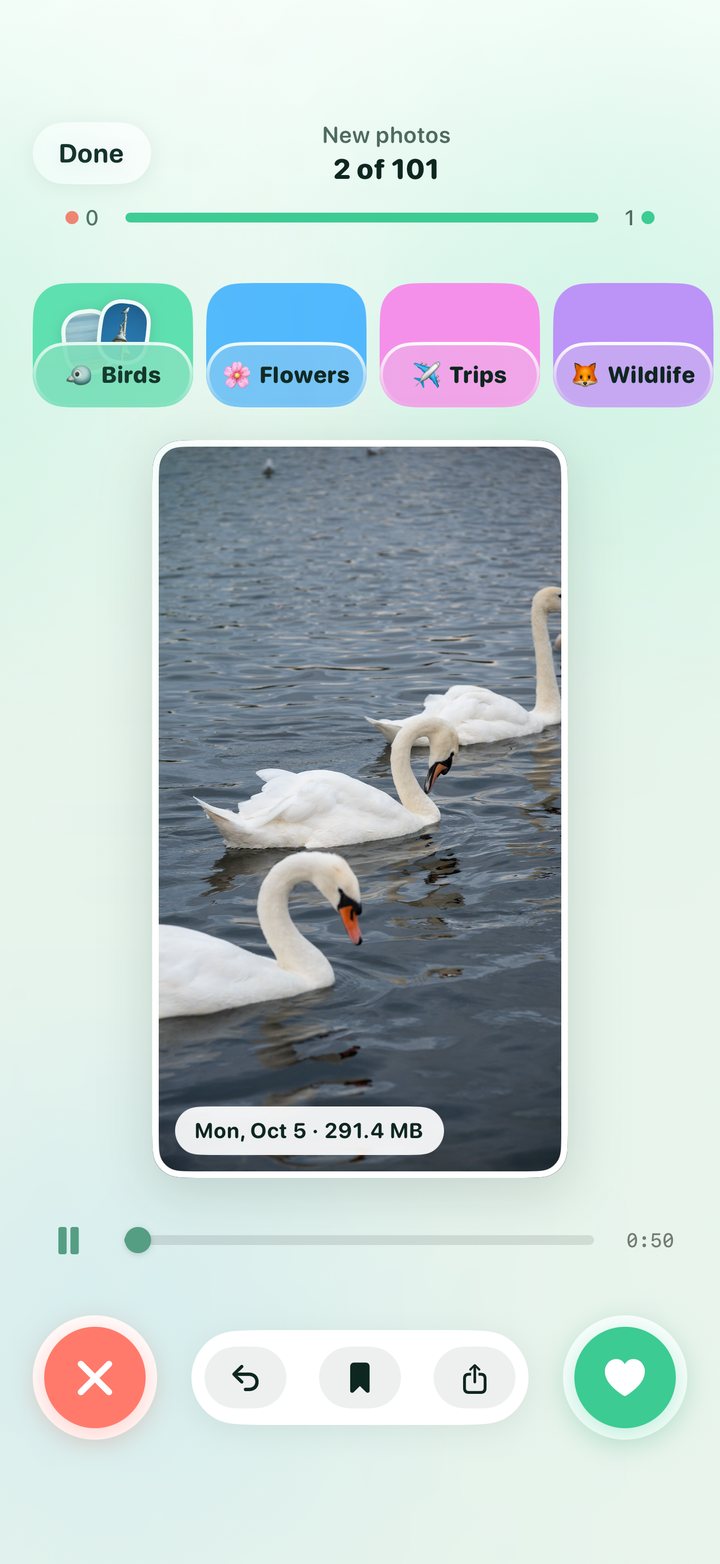
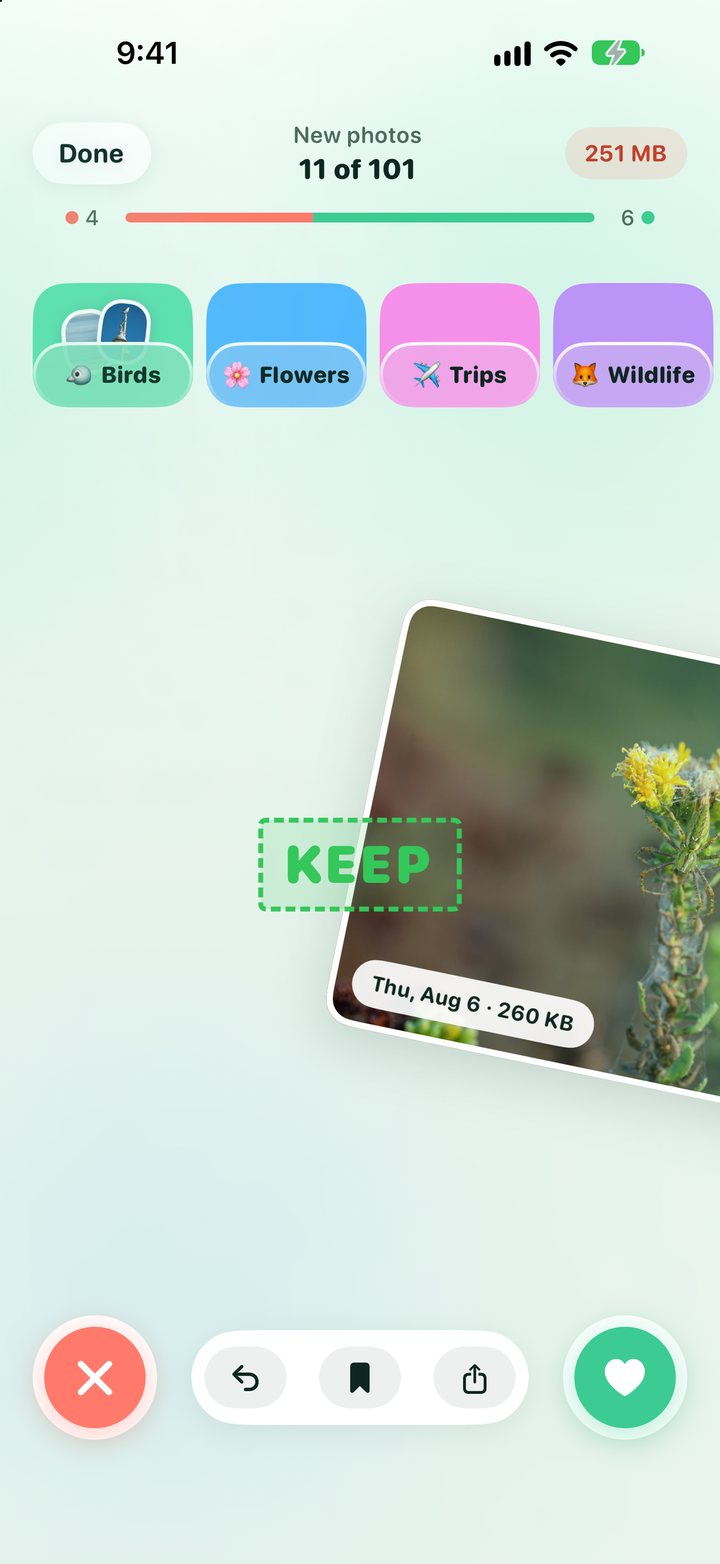
One photo at a time, and it goes fast.
Each photo fills the screen with its date and size. Decide, swipe, next. Undo is one tap away, and nothing is deleted until you say so: the recap at the end shows what you kept and what's waiting, with one button to clear it.
- Tidy now picks up with the photos you've added since your last clean, so you never sort the same photo twice.
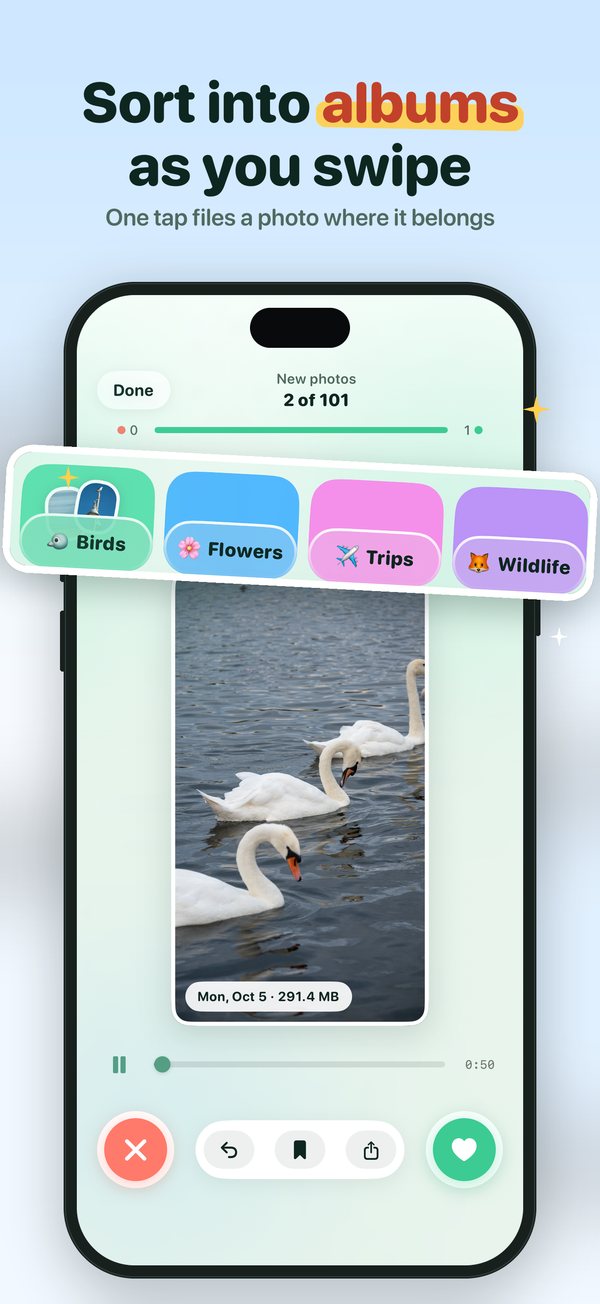
- Albums as pockets: your own albums sit under the photo. One tap files it there while you swipe.
- Random Mix shuffles your whole library for a quick five‑minute clean.
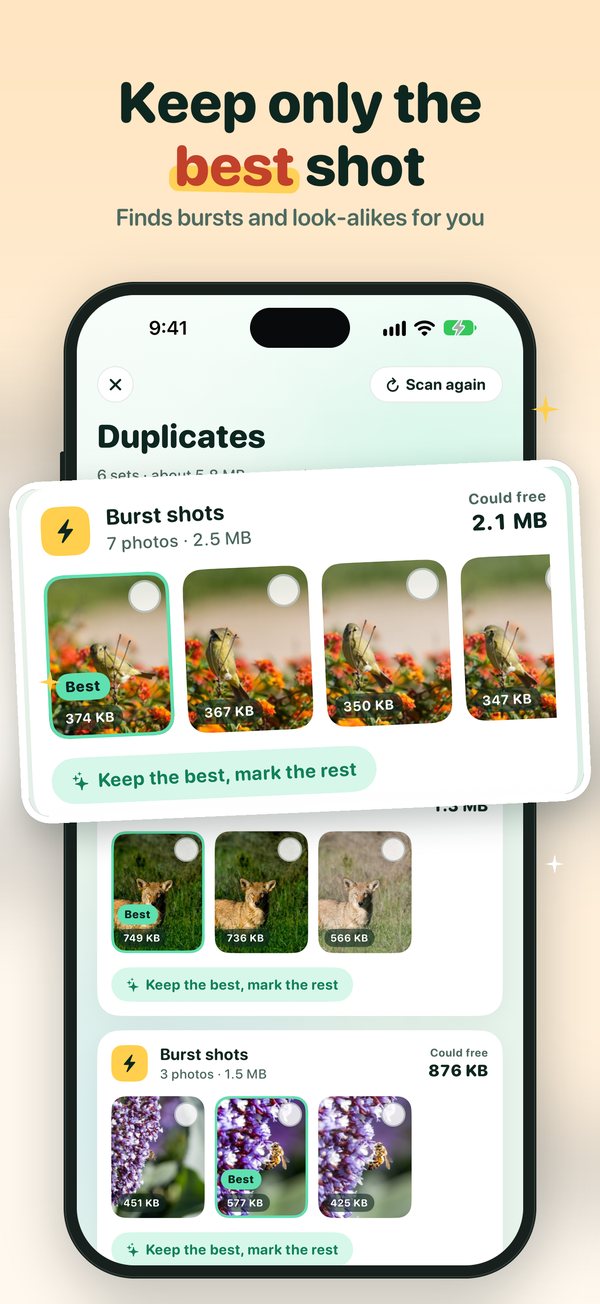
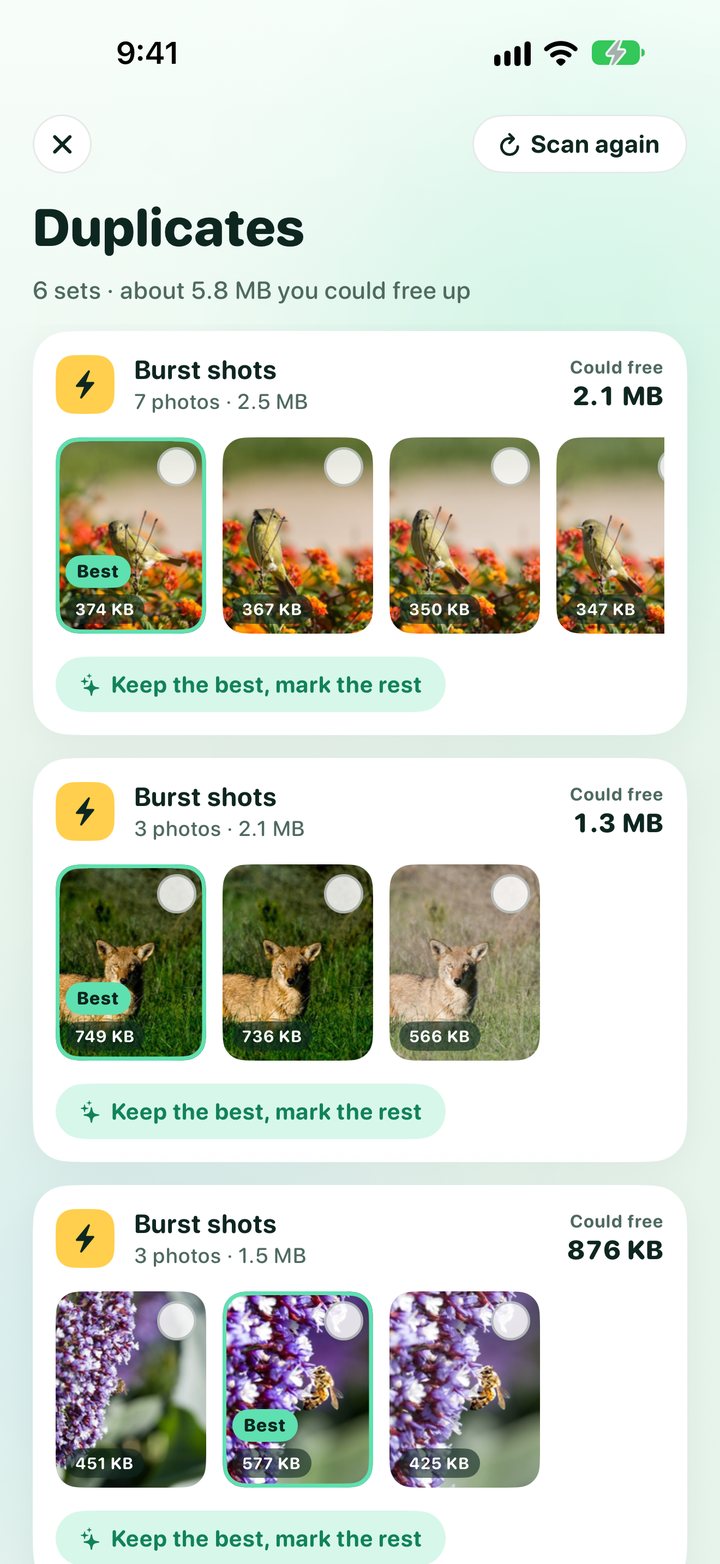
Keep only the best shot.
Tidy Cam finds bursts and look‑alikes and lays each set out as a strip with the best photo marked. Tap "Keep the best, mark the rest", check the savings, then one "Delete extras" button clears them all.
- Matched on your phone by on‑device image matching, so quick runs of different photos are never counted as copies.
- Deleted photos go to Recently Deleted for 30 days, like the Photos app.
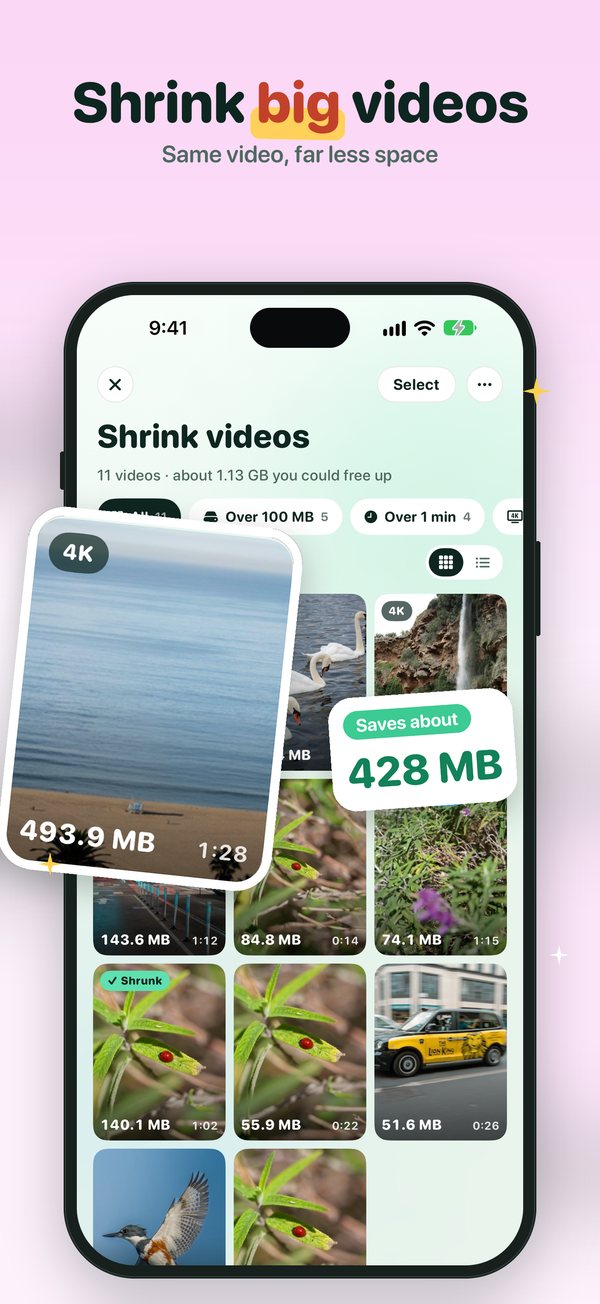
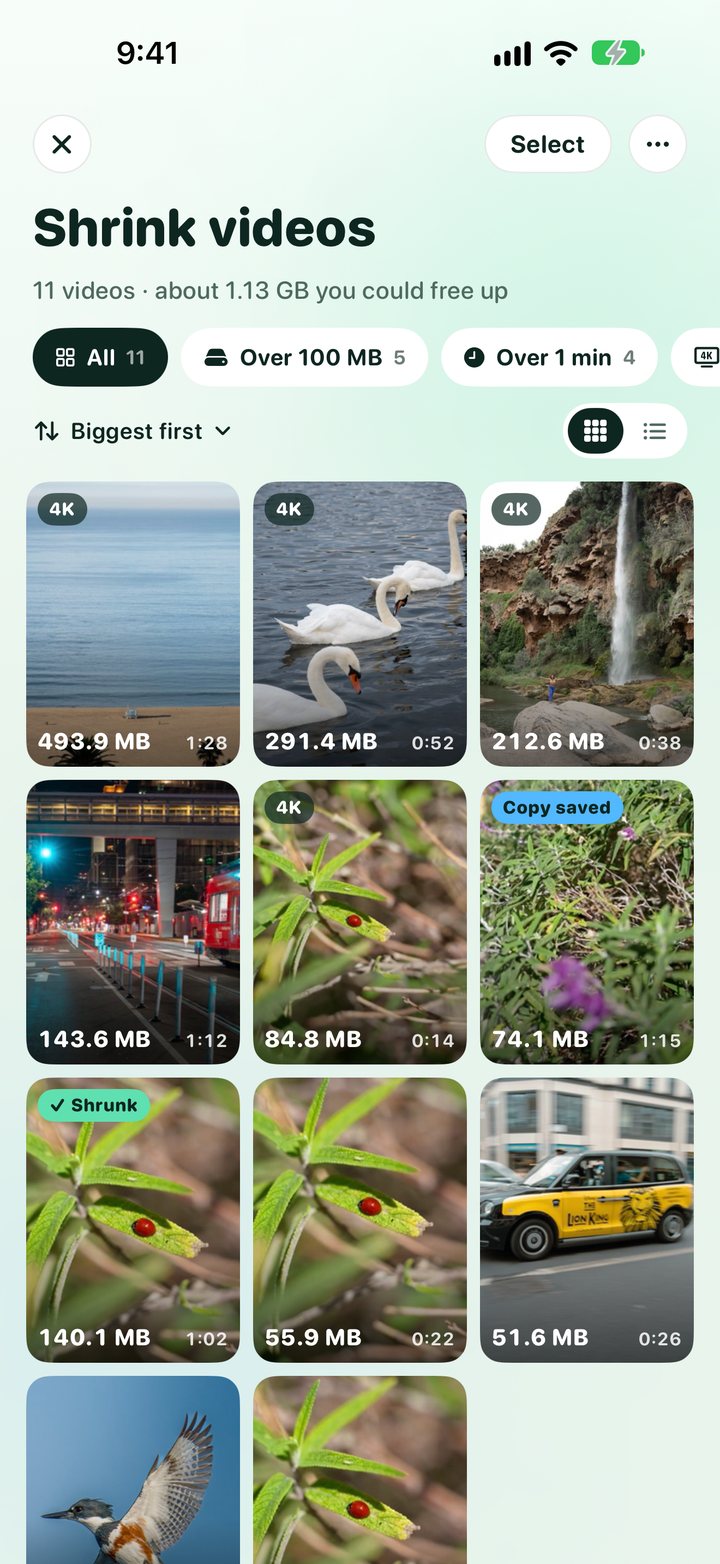
Same video, far less space.
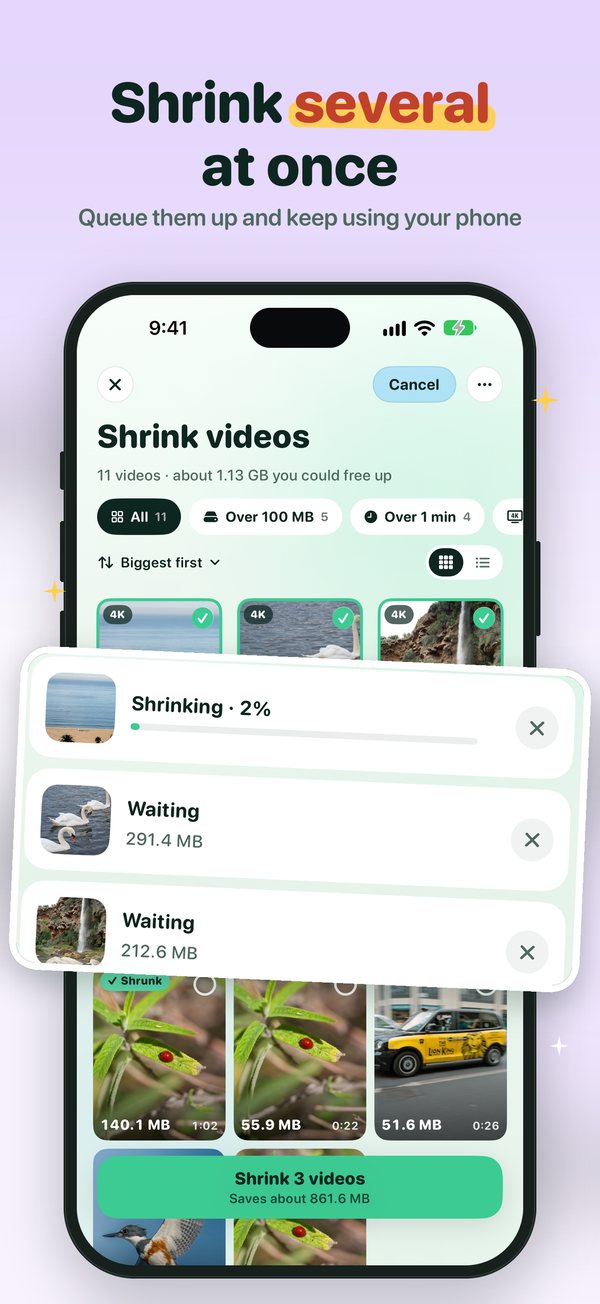
Pick a video, see the size before and after, and choose Smallest, Balanced or Best quality. The shrunk copy keeps the original's date, location and albums, so it stays in the same place in your library.
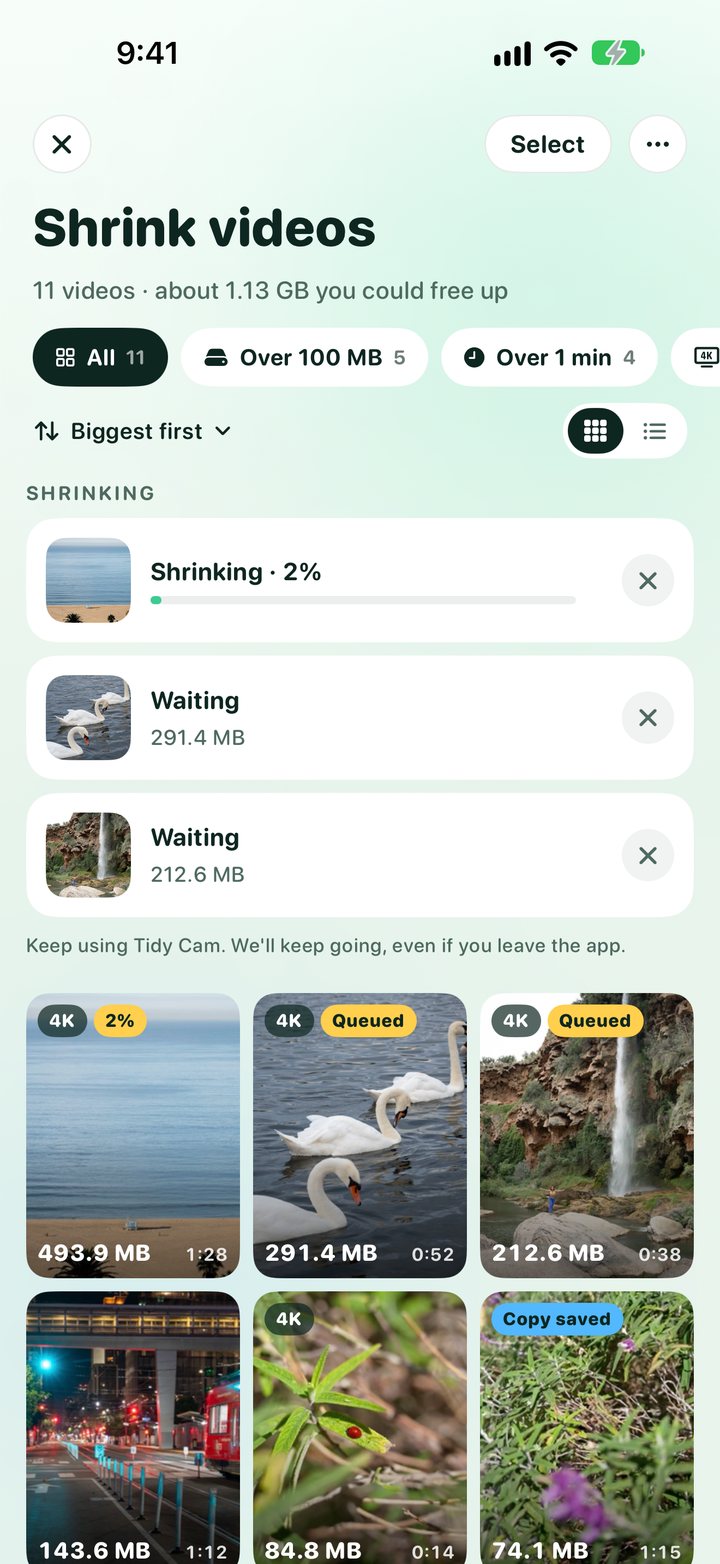
- Runs in the background: tap Shrink and keep using the app, or leave it. A small bar shows progress, then "Video ready".
- Several at once with Tidy Cam+: select videos and line them up.
- Filters: over 100 MB, over a minute, 4K, screen recordings, not shrunk yet.
- Your call: compare before and after, then delete the original or keep both.
A private place for private photos.
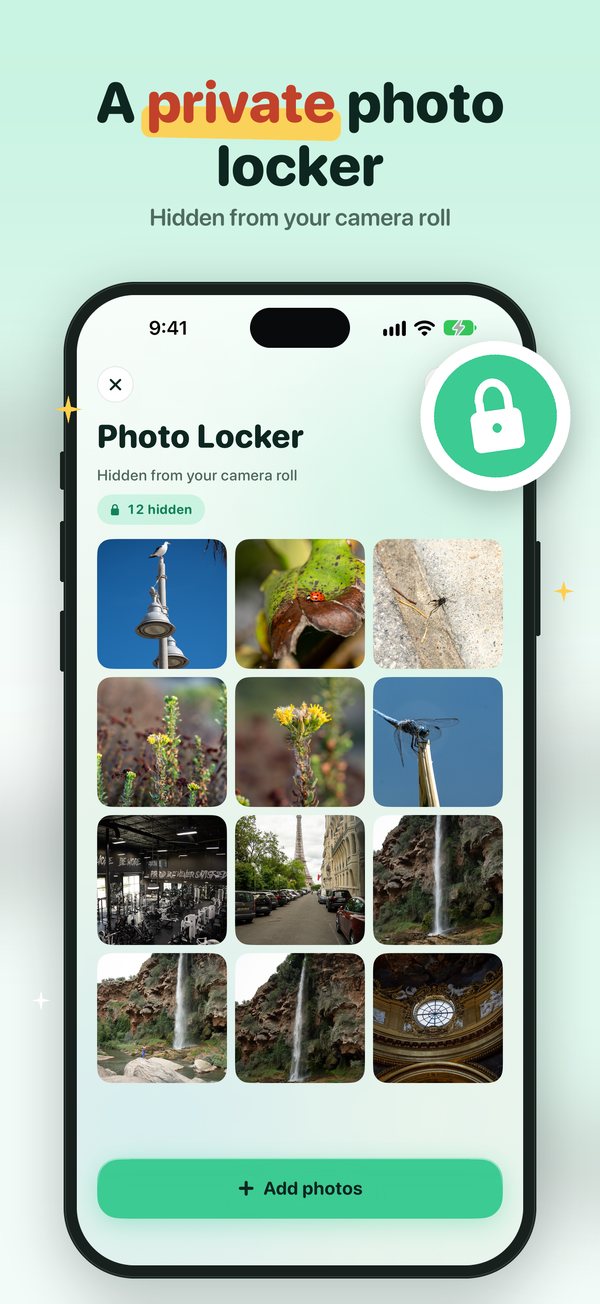
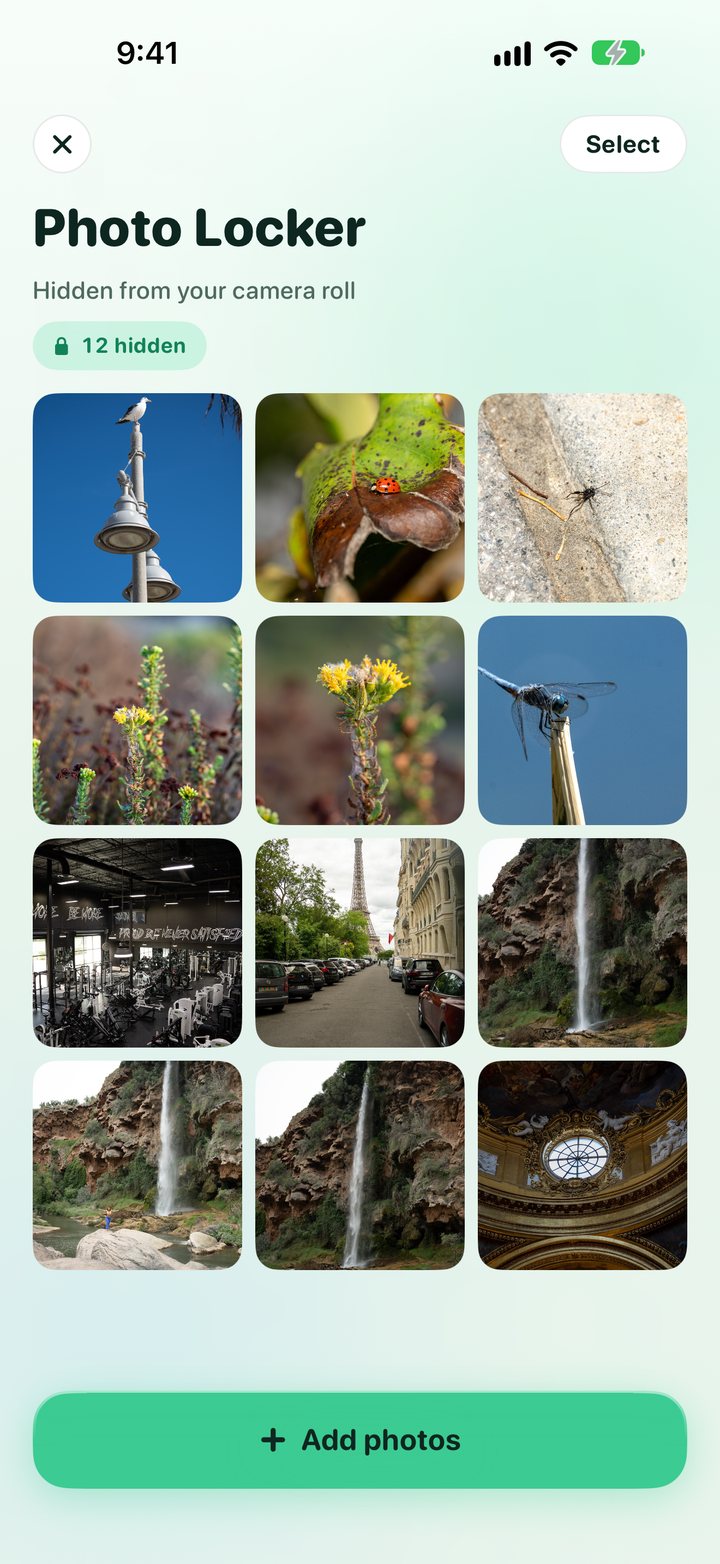
Move photos into the Photo Locker and they leave your camera roll. Opening it takes Face ID or your passcode. Restore one or several whenever you like.
The fun part of a full camera roll.
Describe it, find it
Type "dog at the beach", "receipts" or "whiteboard notes". On‑device AI finds the photo; nothing is uploaded.
A puzzle a day
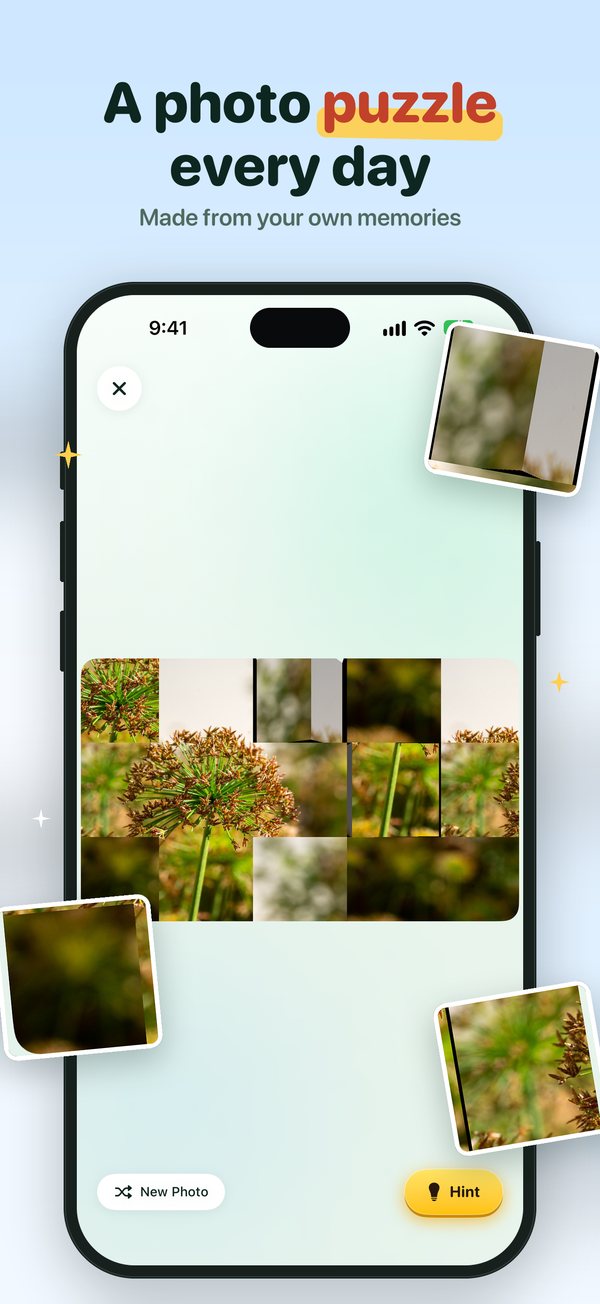
One of your older photos cut into tiles. Solve it and rediscover a memory you'd forgotten.
On your Home Screen
On This Day and Puzzle of the day, with your own photos. Tap the puzzle to solve it.
A memory every day
A real photo from this day in past years, as a daily reminder, only if you say yes.
See the space you saved
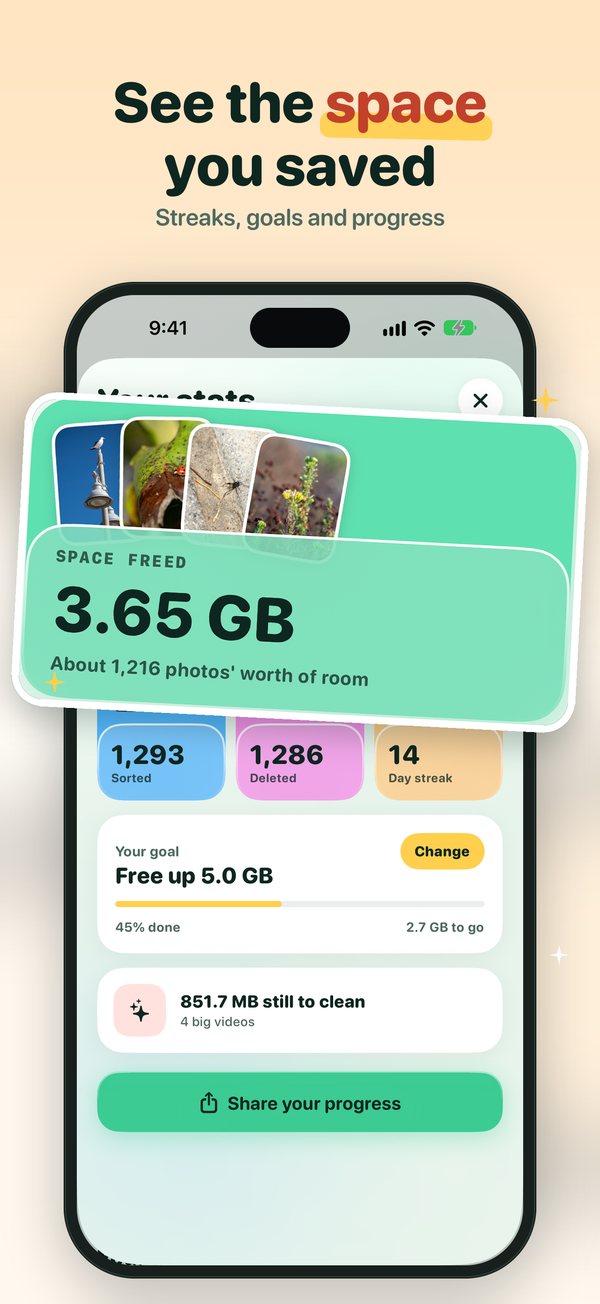
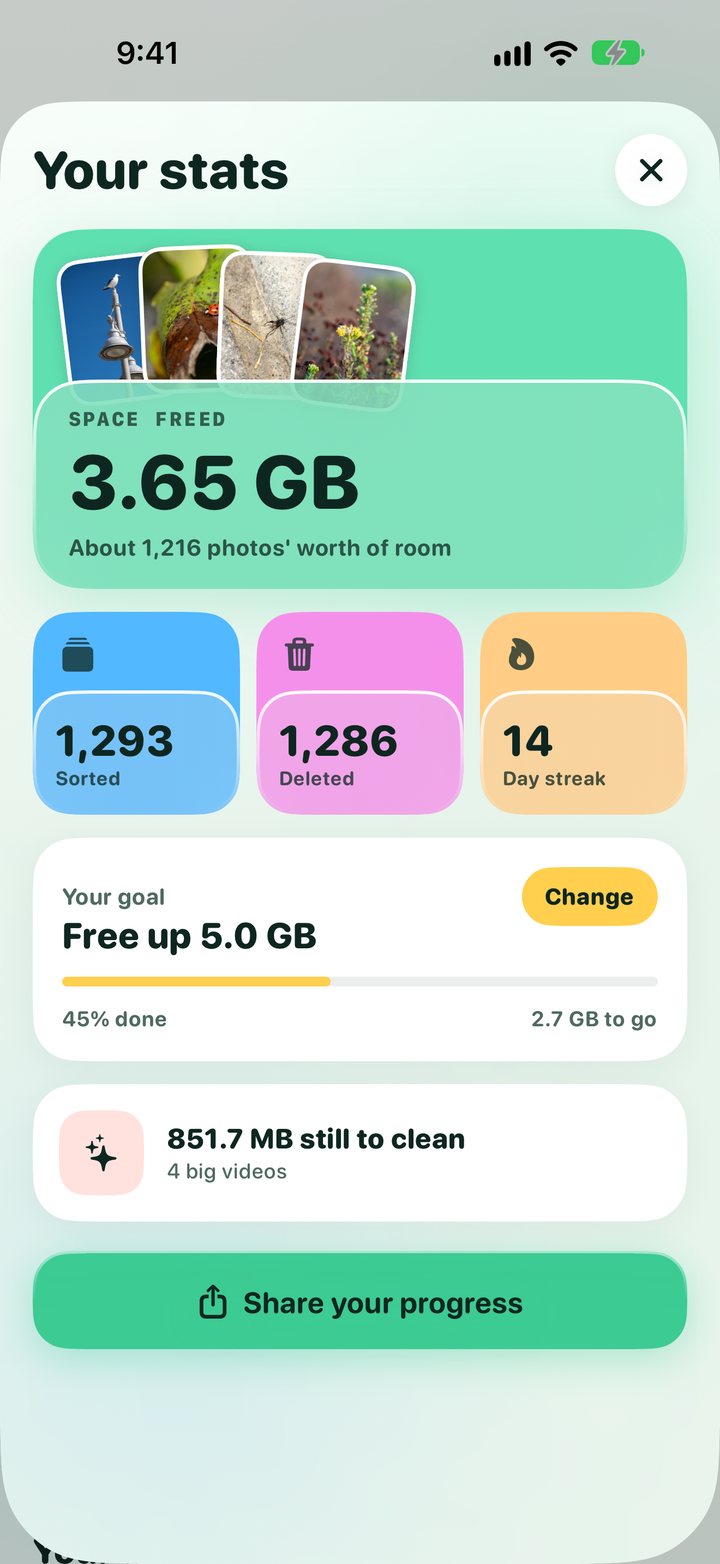
Space freed, photos sorted and deleted, a day streak and a goal. Share it as a "My Tidy Cam" receipt.
Not sure yet?
Swipe up to set a photo aside, then sort that pile when you're ready.
Watch the gigabytes come back.
Tidy Cam keeps count of everything you clear: gigabytes freed, photos sorted and deleted, and how many days in a row you've tidied. Set a goal like "Free up 5 GB" and watch the bar fill.
Your photos never leave your phone.
Sorting, duplicate matching, search and video shrinking all run on your iPhone. Tidy Cam keeps no cloud copy of your library.
- No uploads: photos and videos are read and changed on the device only.
- You confirm deletes: they go to Recently Deleted for 30 days.
- Locked means locked: the Photo Locker opens with Face ID or your passcode.
Free to start. Tidy Cam+ to finish.
Download Tidy Cam free and sort every day. When you want to clear the whole backlog in one go, Tidy Cam+ takes the limits off.
Tidy a little every day
- 50 swipes a day
- One video shrink a day
- Includes ads
Clean up everything
- Unlimited swipes
- Duplicate finder with "keep the best"
- Shrink as many videos as you like, several at once
- Screenshots shortcut
- No ads
Monthly, yearly, or once for life. Prices are in the app.
How do I get more space on my iPhone?
Open Settings > General > iPhone Storage to see what's using the space. For most people it's Photos, so start there: delete photos you don't need, clear out duplicate shots, and shrink big videos. Then empty Recently Deleted in the Photos app, because deleted photos still take up space for 30 days. If an app you rarely use is big, tap it in iPhone Storage and choose Offload App: the app goes, its data stays. Tidy Cam does the photo part: you swipe through your camera roll one photo at a time, and it finds look‑alike shots and big videos for you.
Why is my iPhone storage still full after I deleted photos?
Deleted photos and videos go to the Recently Deleted album and keep using space for 30 days. Open Photos, go to Recently Deleted and tap Delete All to get the space back now. Tidy Cam deletes the same way, so the same applies to photos you clear with it.
How do I delete duplicate photos on iPhone?
The Photos app has a Duplicates album under Utilities that finds exact copies and lets you merge them. It doesn't catch bursts or near‑identical shots. Tidy Cam+ finds those too, marks the best photo in each set, and deletes the rest with one button.
How do I make videos smaller on iPhone?
For new videos, go to Settings > Camera: under Formats choose High Efficiency, and under Record Video pick a lower resolution like 1080p. The Photos app can't shrink videos you already have. Tidy Cam can: pick Smallest, Balanced or Best quality, see the size before and after, and the smaller copy keeps the original's date, location and albums.
If I delete photos on my iPhone, are they deleted from iCloud?
Yes, if iCloud Photos is on: deleting a photo removes it from iCloud and all your devices. That's true in the Photos app and in Tidy Cam. To save space on your phone and keep everything in iCloud, turn on Optimize iPhone Storage in Settings > your name > iCloud > Photos.
How do I hide private photos on iPhone?
The Photos app has a Hidden album that locks with Face ID. Tidy Cam's Photo Locker goes a step further: photos you move there leave your camera roll and only open with Face ID or your passcode inside Tidy Cam.
How do I delete all my screenshots on iPhone?
In Photos, open Screenshots under Media Types, tap Select and choose the ones to delete. Tidy Cam+ has a Screenshots shortcut that lines them all up so you can swipe through them fast.
What's the best app to clean up iPhone photos?
It depends. If you only want exact copies gone, the free Duplicates album in Photos is enough. If you have thousands of photos to go through, want to keep the best of every burst, or need to shrink big videos, Tidy Cam is built for that, and everything runs on your phone, with nothing uploaded.
Answers checked in October 2026.
Tidy Cam at a glance.