
Simply Monitor
Simply Monitor puts your Sony camera on your iPhone: live view, every setting, focus stacking, an intervalometer, your originals and backups on the phone, and a behind-the-scenes video with every photo marked on it.
The zip has the app icon (light, dark, tinted), mark, wordmark, lockups, share banner, screenshots, the how-to guide and the fact sheet.
01Fact sheet
| App | Simply Monitor |
|---|---|
| Developer | Foggo Apps, the independent studio of Charles Chiejina |
| Platforms | iPhone and iPad (iOS 26) |
| Cameras | Sony α7 V (tested). More Sony bodies are being added; the app hides features a camera doesn't support. |
| Connection | Bluetooth and the camera's Wi‑Fi, or a USB‑C cable |
| Availability | Coming soon to the App Store |
| Price | Free. Simply Monitor Pro, a one-time $5.99 purchase with no subscription, makes behind-the-scenes recording unlimited (5 minutes in total are free). |
| Guide | Simply-Monitor-Guide.pdf (14 pages) |
| Contact | support@foggoapps.com |
02Descriptions
The long description and full feature list are in the fact sheet.
03Brand
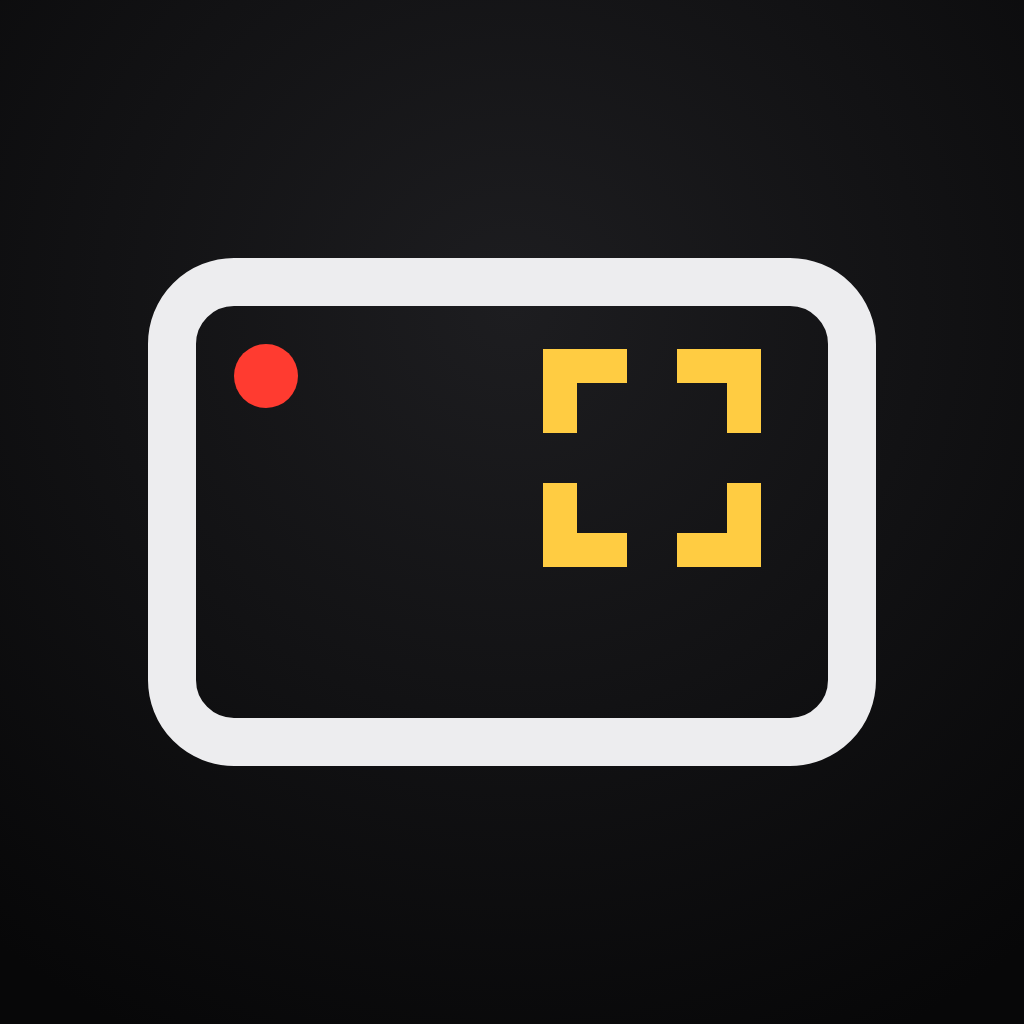


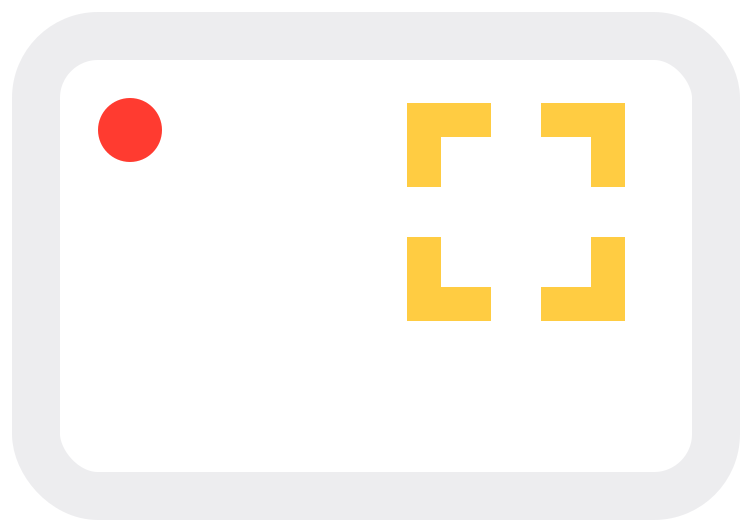
The mark is a 3:2 monitor frame with amber focus brackets on the upper-right third and a red tally dot. Please don't recolour, stretch, rotate or add effects to it. Always write the name as two words: Simply Monitor.
04Colour & type
#000000#EDEDEF#FFCC42 selection, focus#FF3B30 recording onlyBarlow Condensed for the wordmark and labels, Barlow for text. Both are free under the SIL Open Font License.
05Screenshots
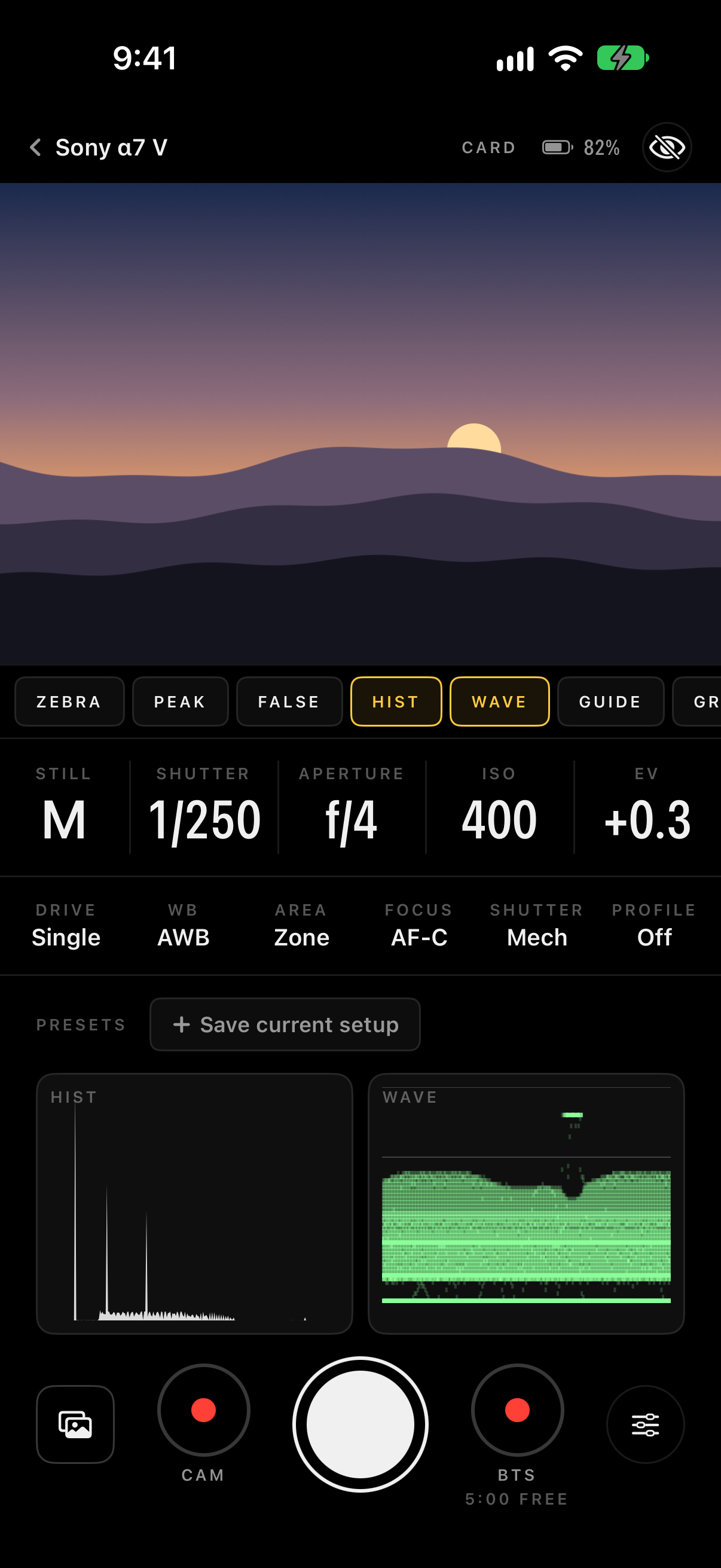
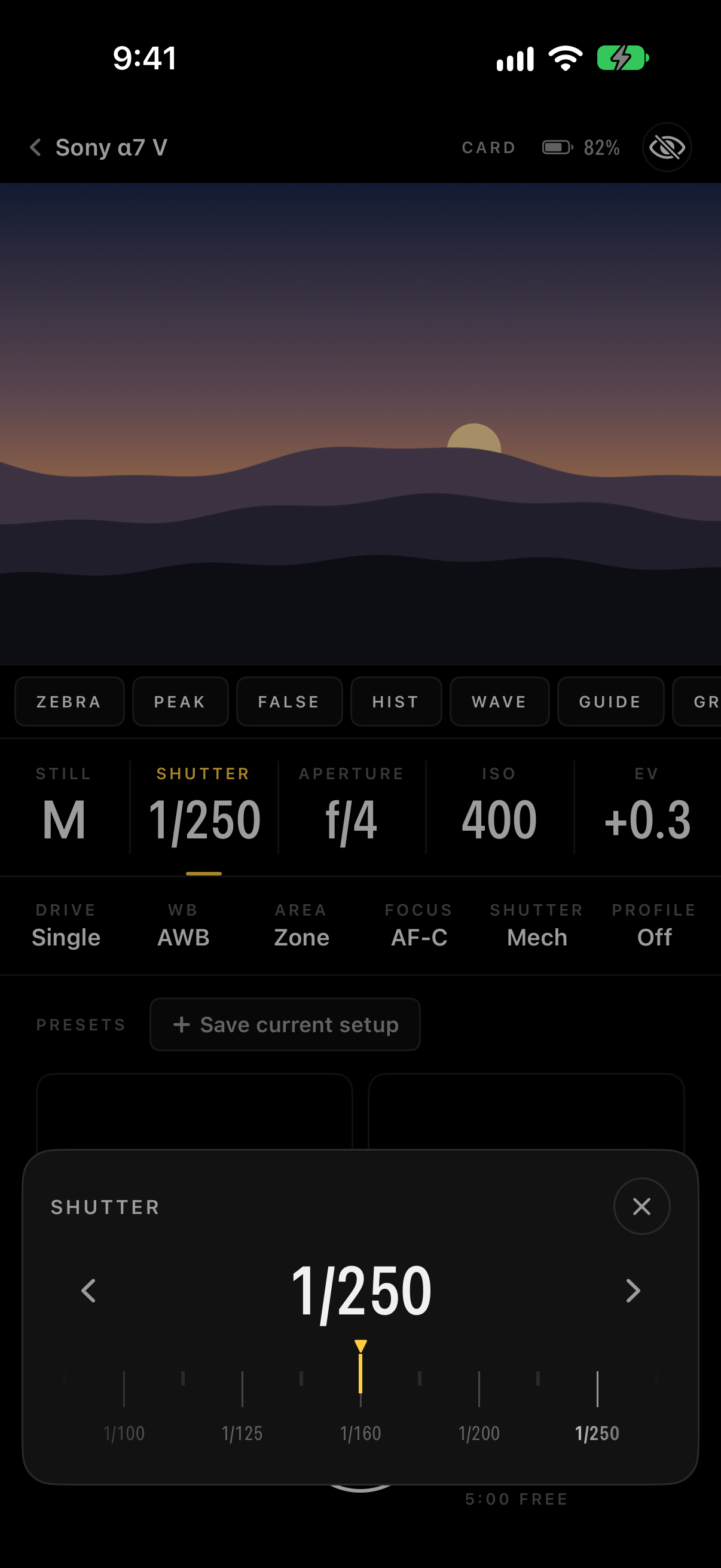
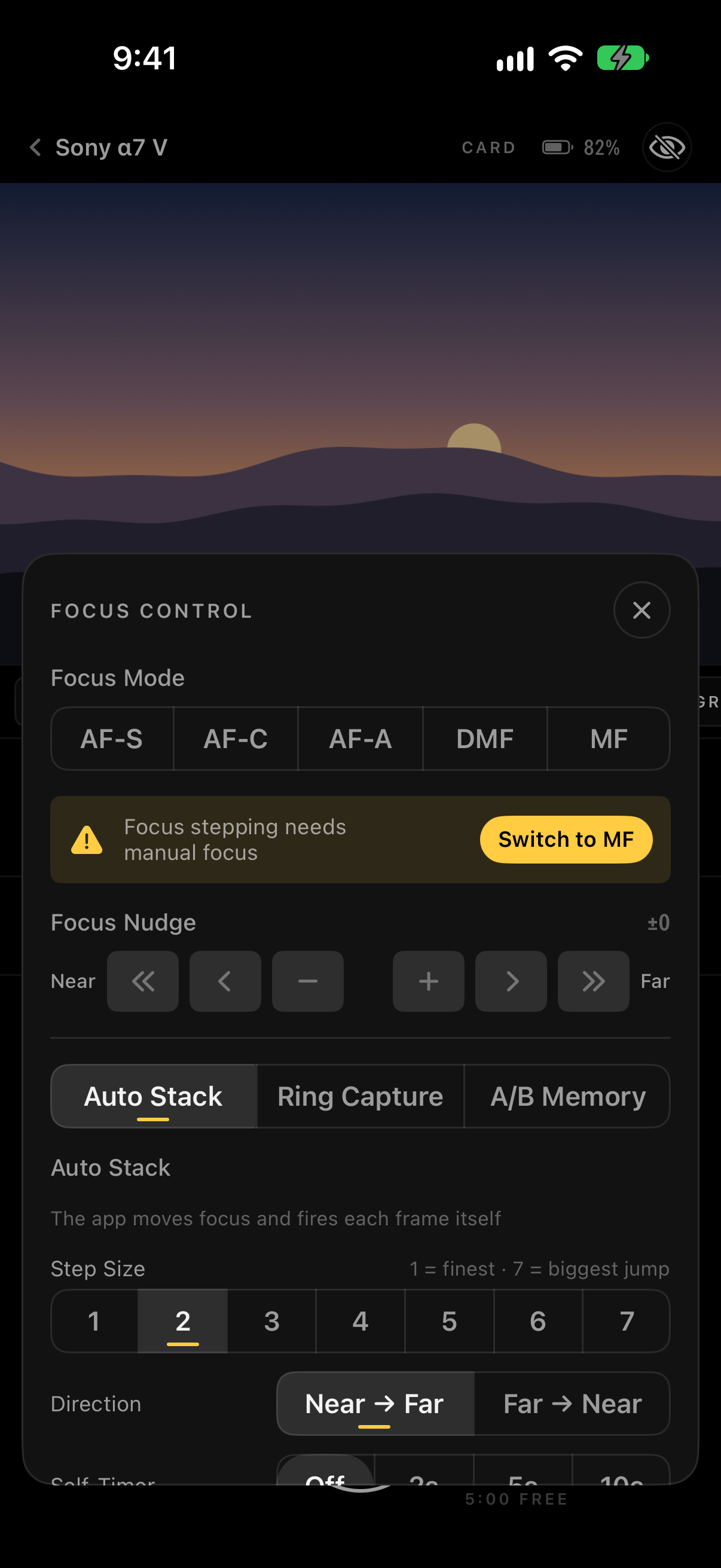
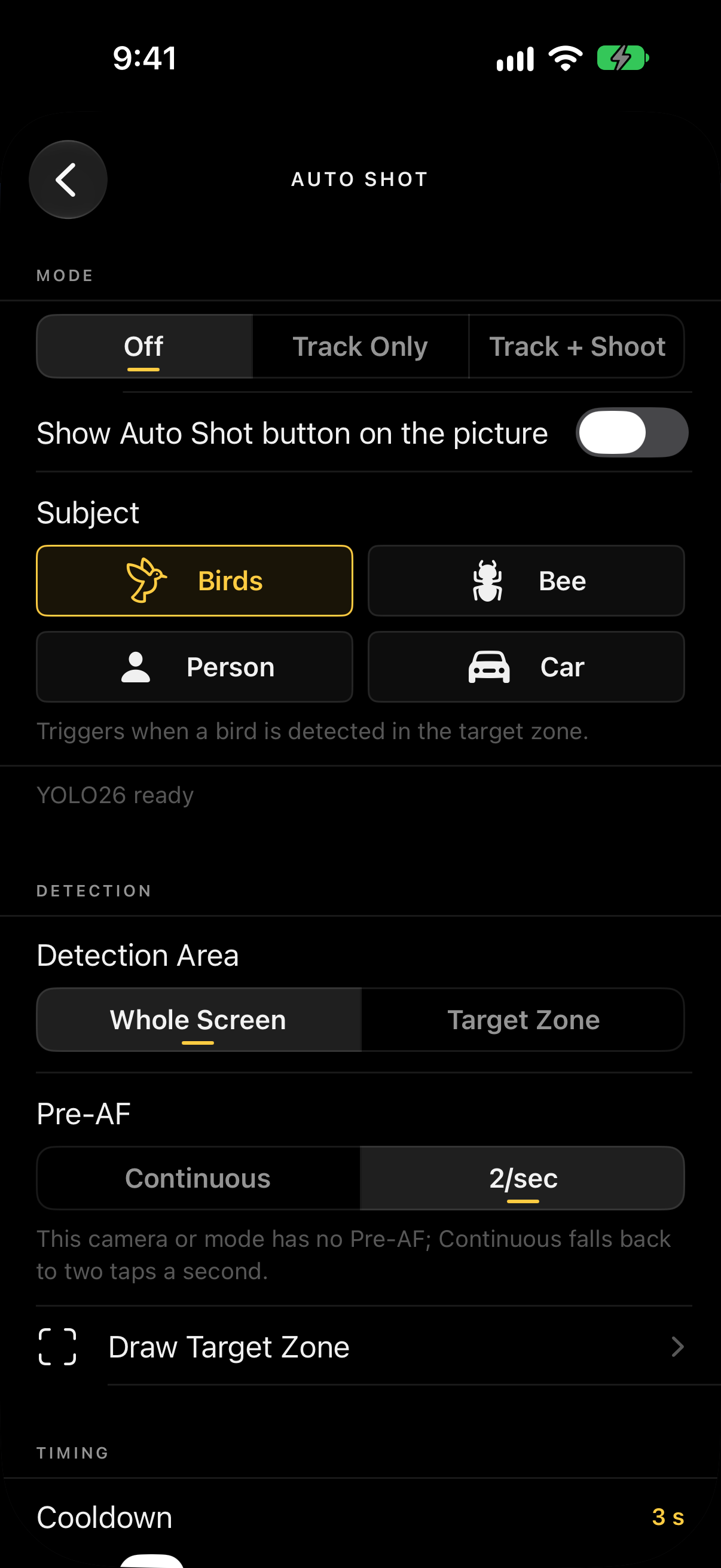
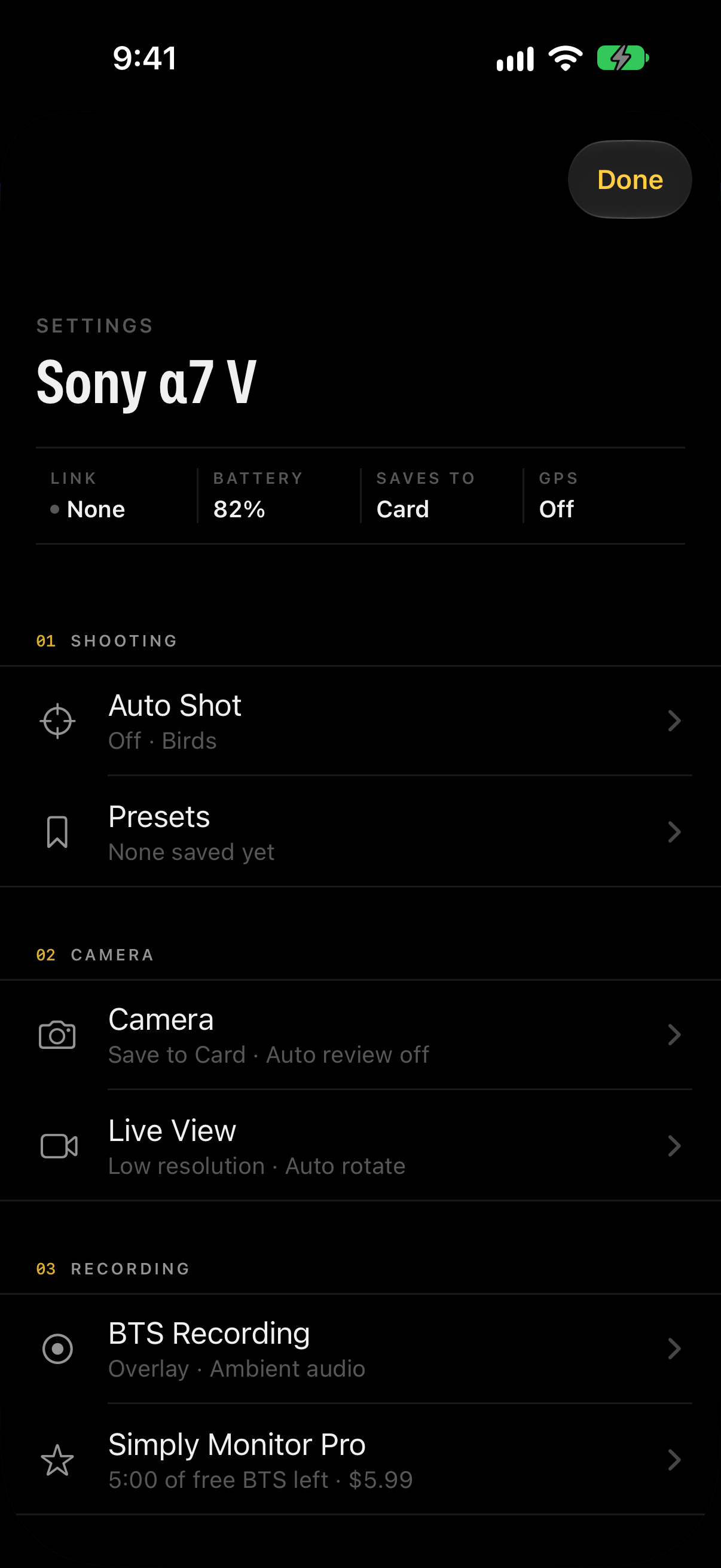
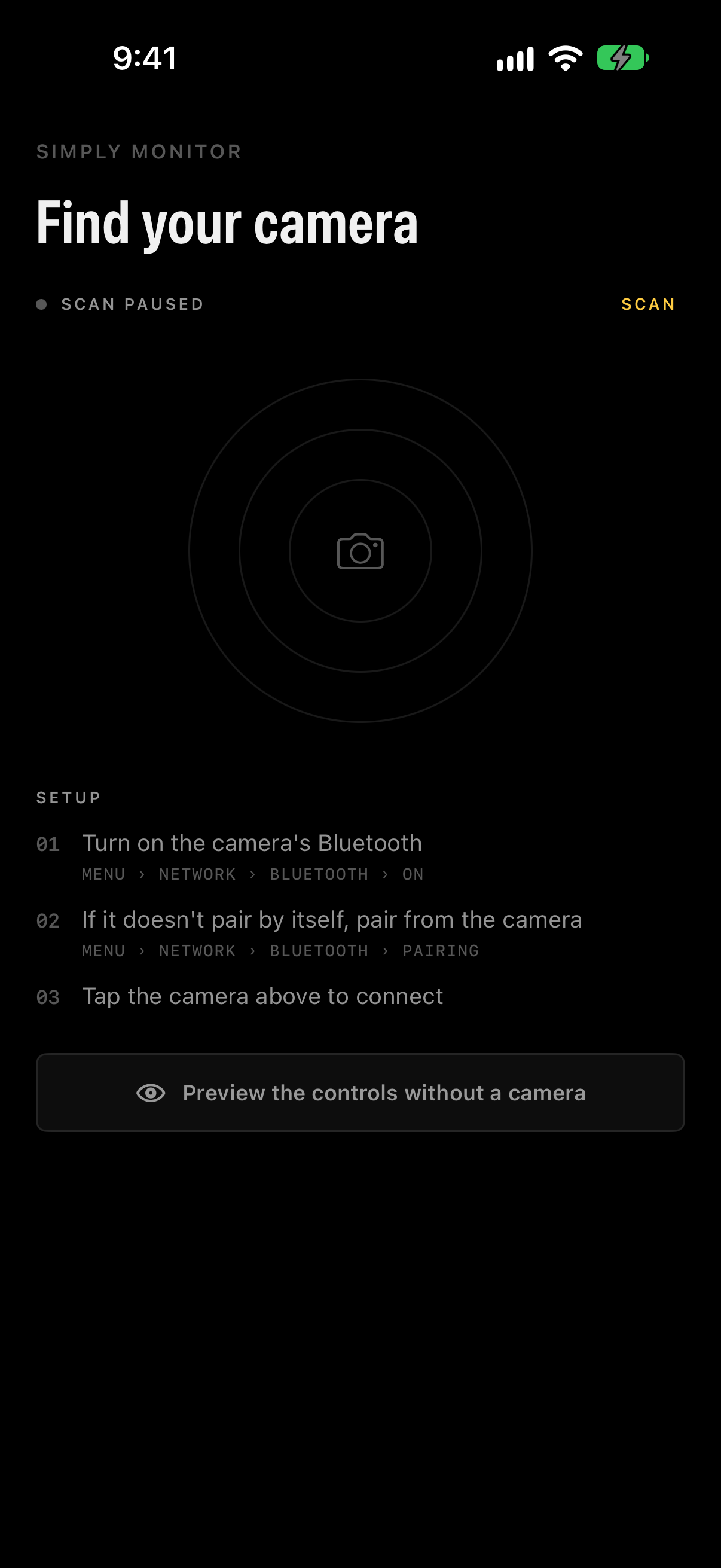
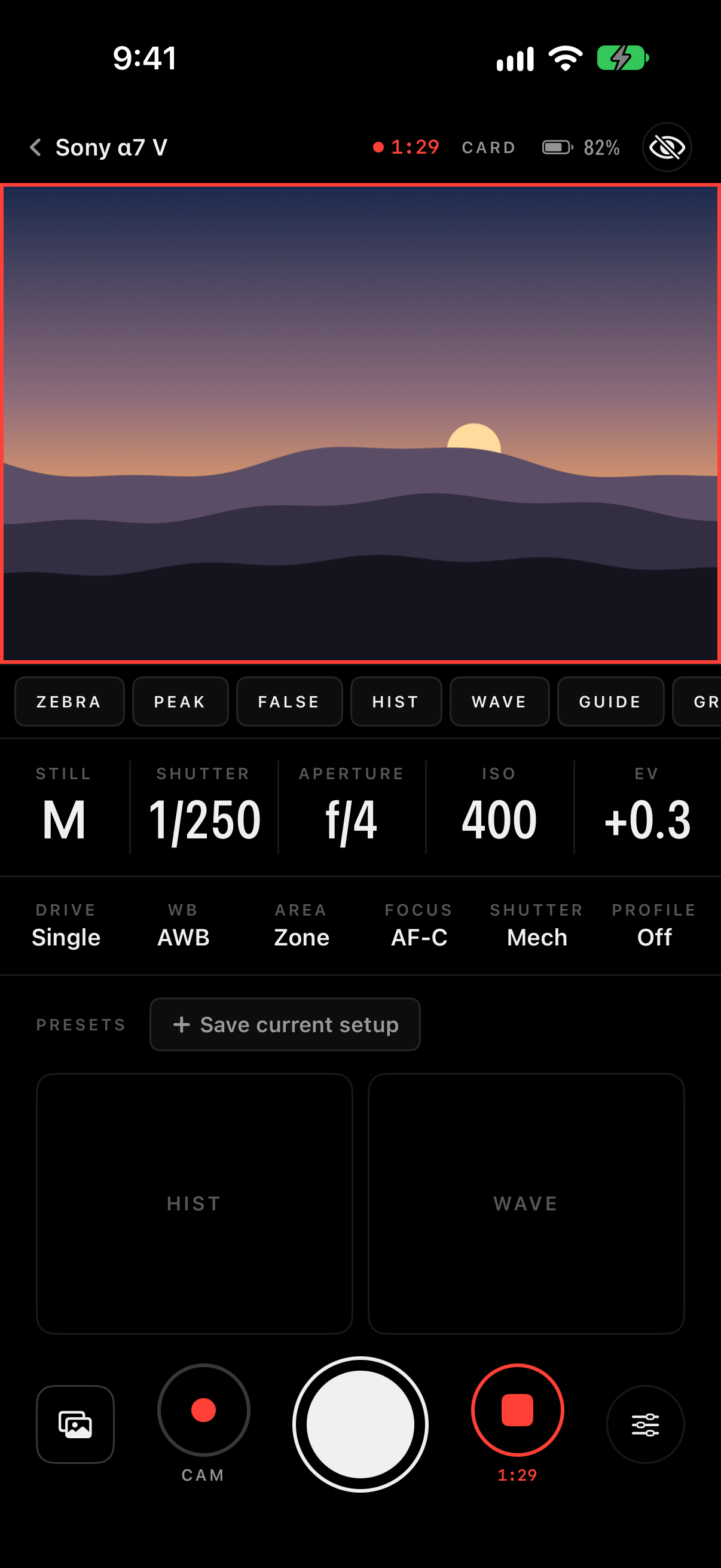
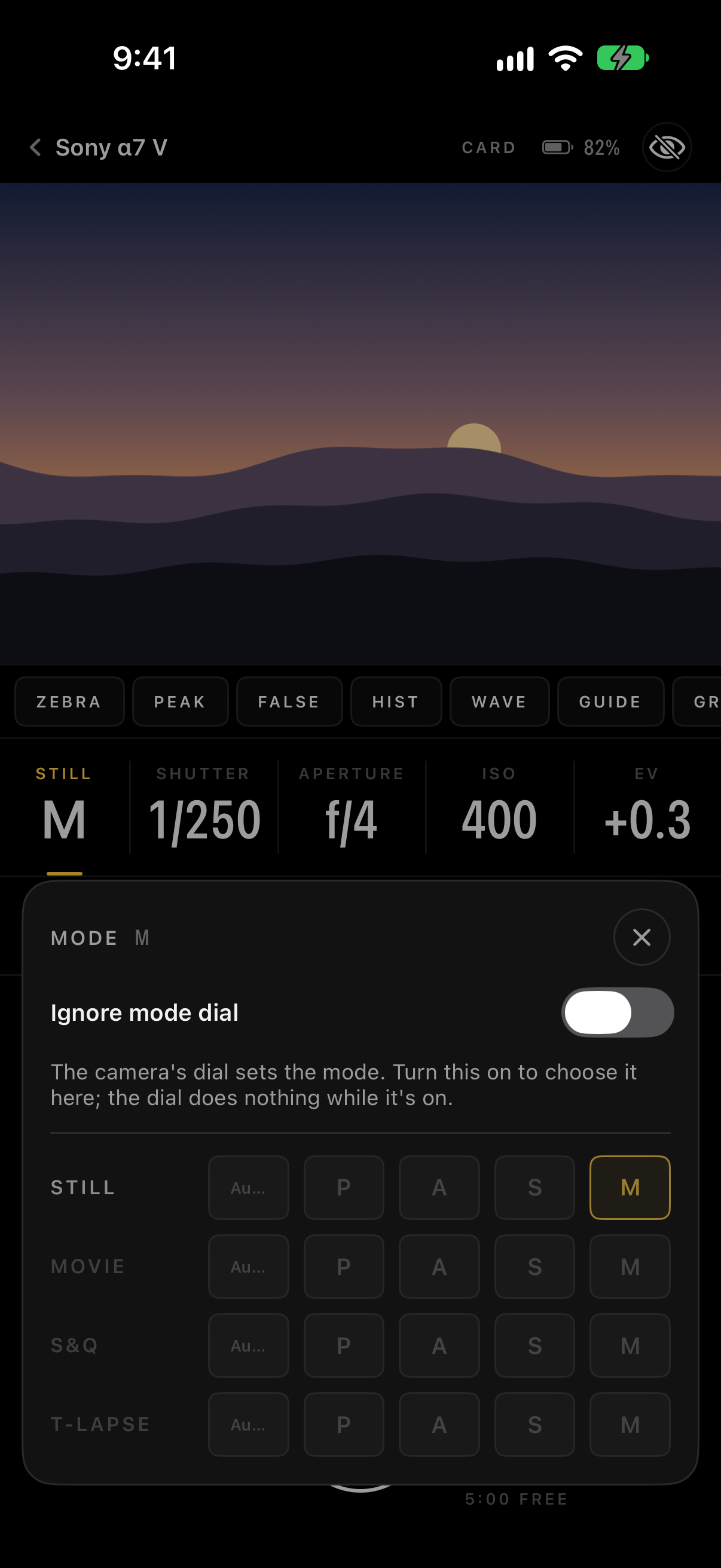
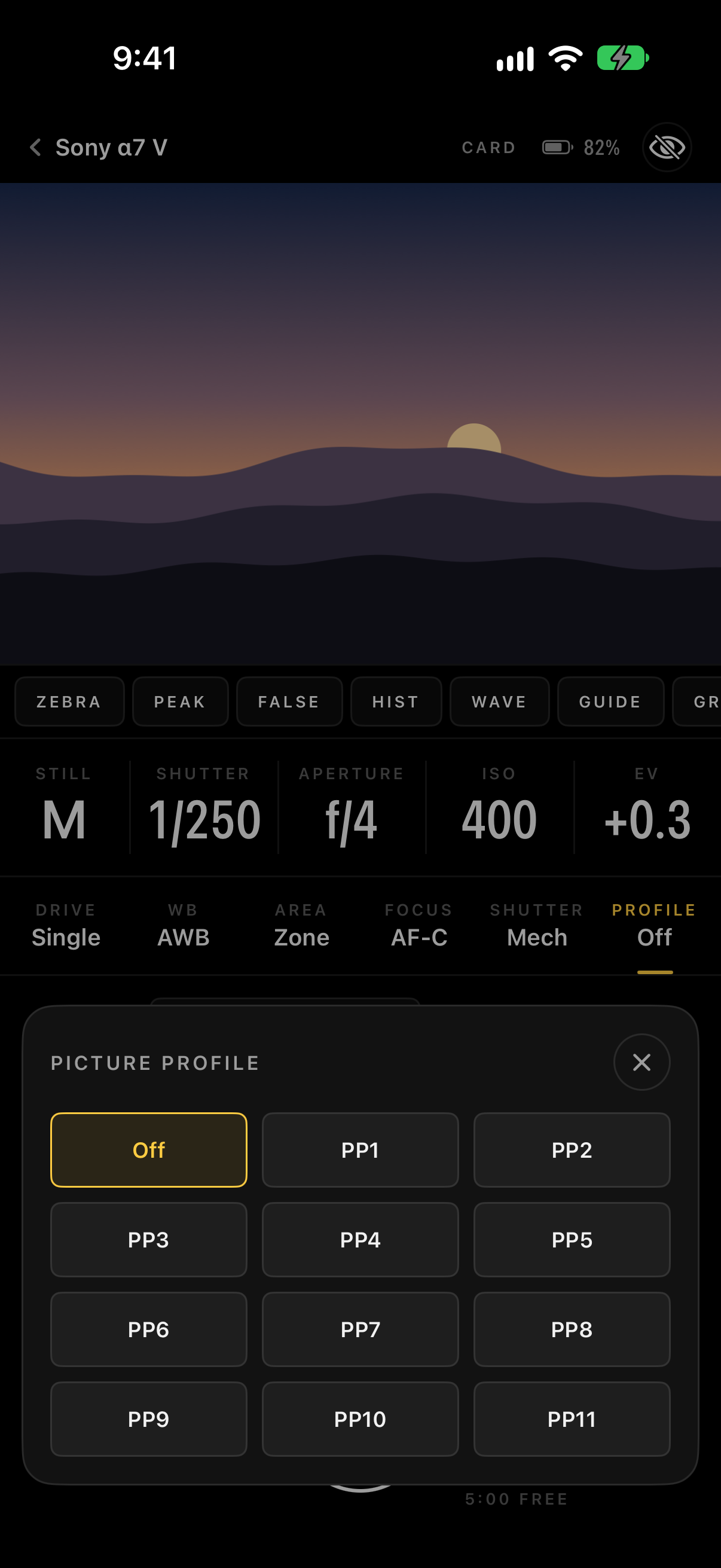
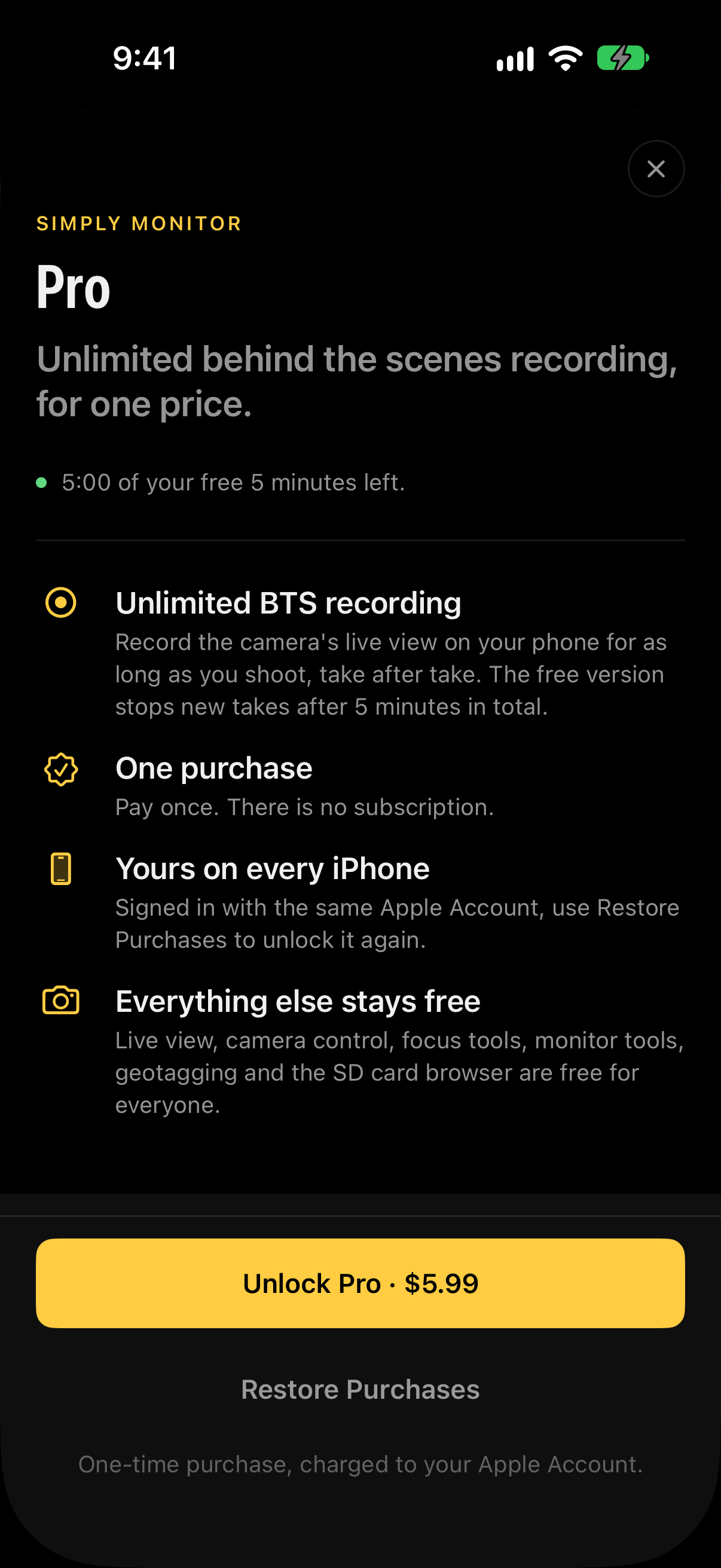
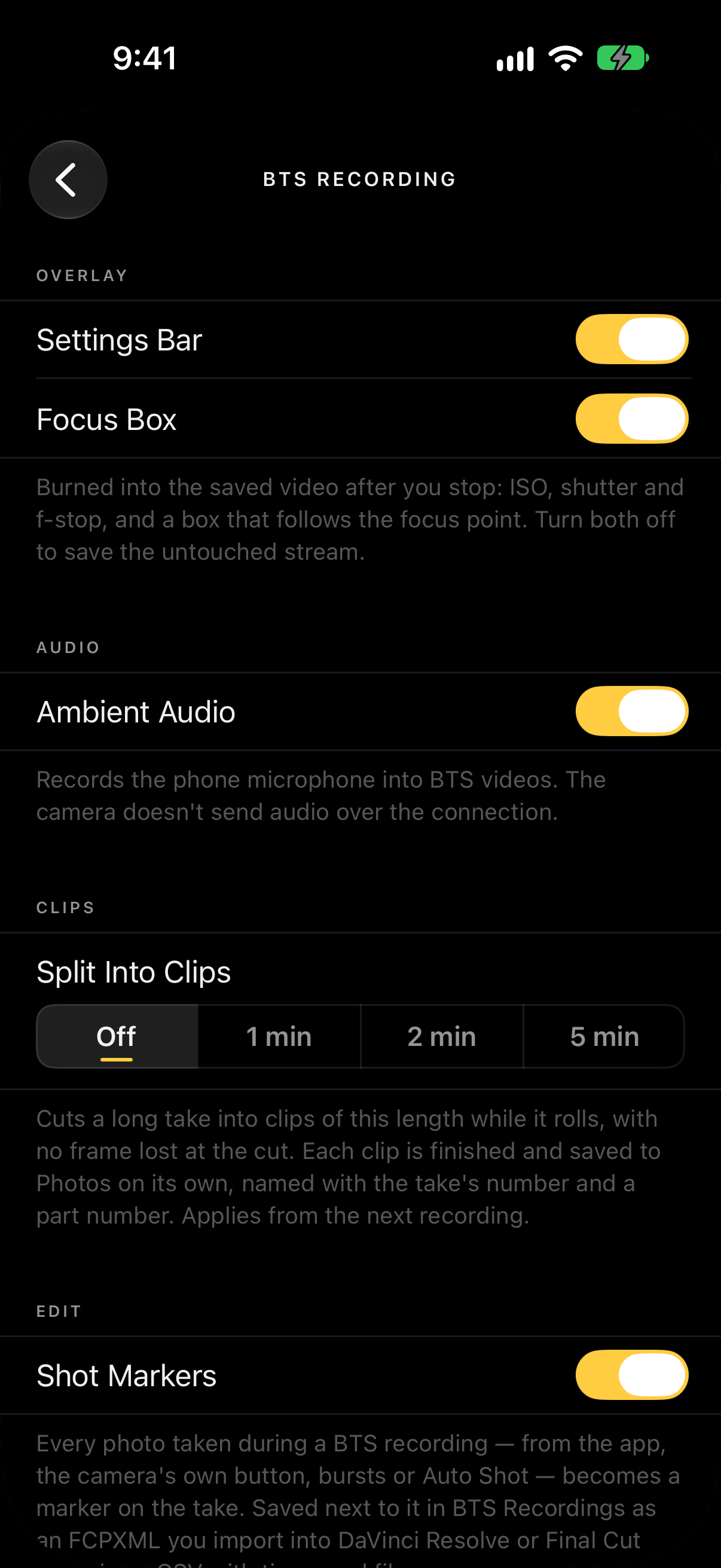
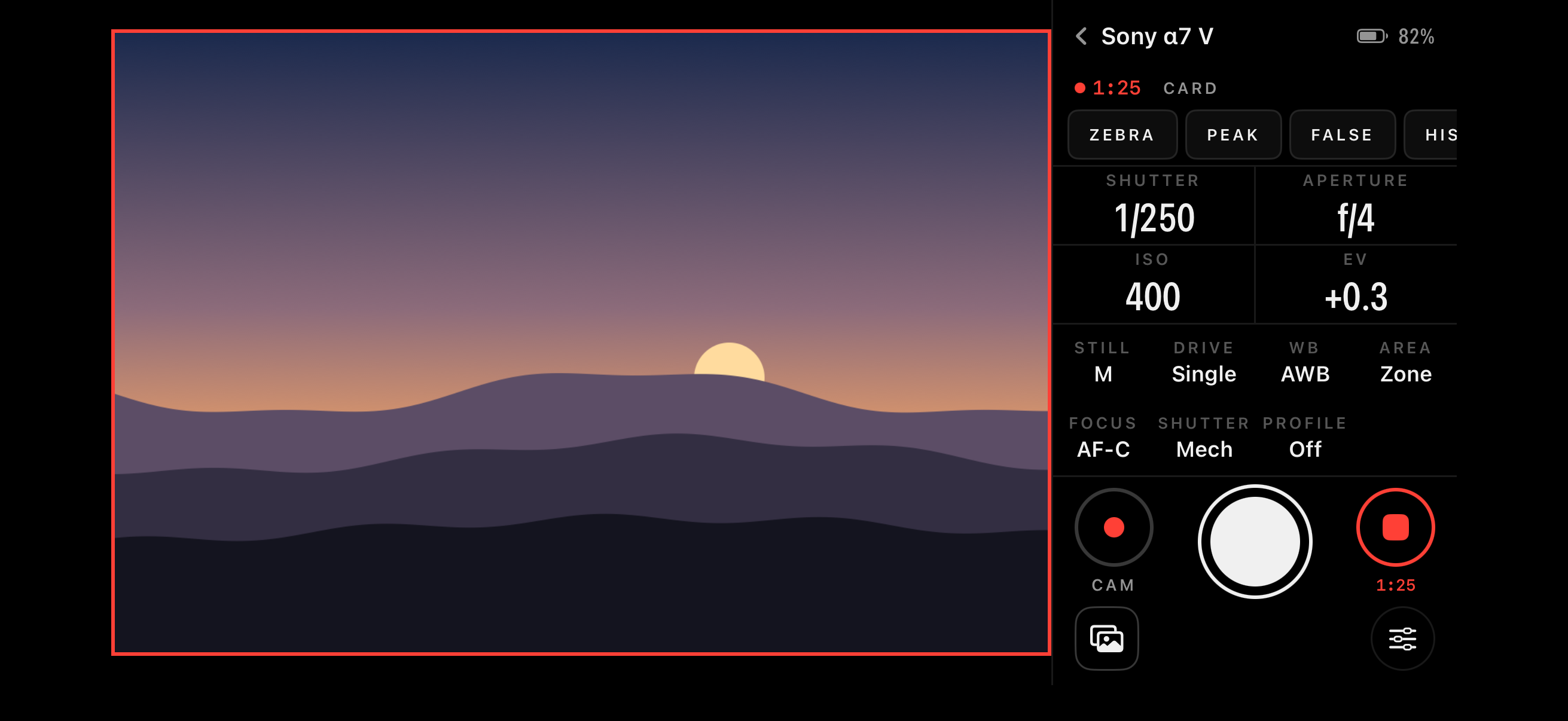
Full-resolution iPhone captures. The picture in them is the app's built-in preview scene.
06Contact
Charles Chiejina, Foggo Apps · support@foggoapps.com